Add a work to your portfolio
Add one artwork to your Artery portfolio: upload a photo, give it a title and year, add the medium and size, put it in a series and publish it on your site.
Updated
-
Open Works
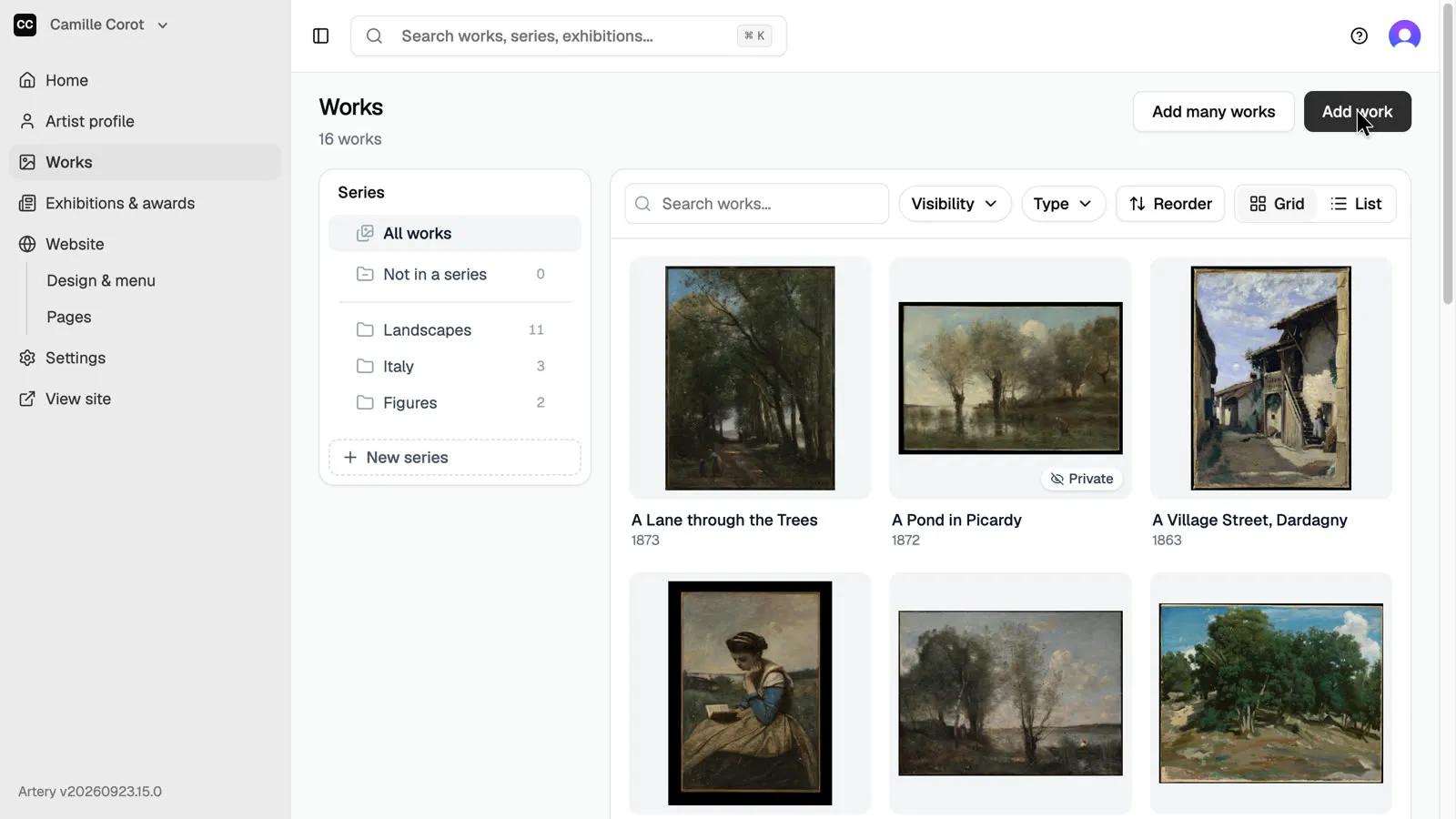
In the sidebar, open **Works**, then click **Add work** at the top of the list.
-
Upload a photo
Drop a photo of the work on the upload area, or click **choose a file**. JPEG, PNG, WebP and GIF up to 10 MB work. You can add more photos of the same work later, such as details or the back.
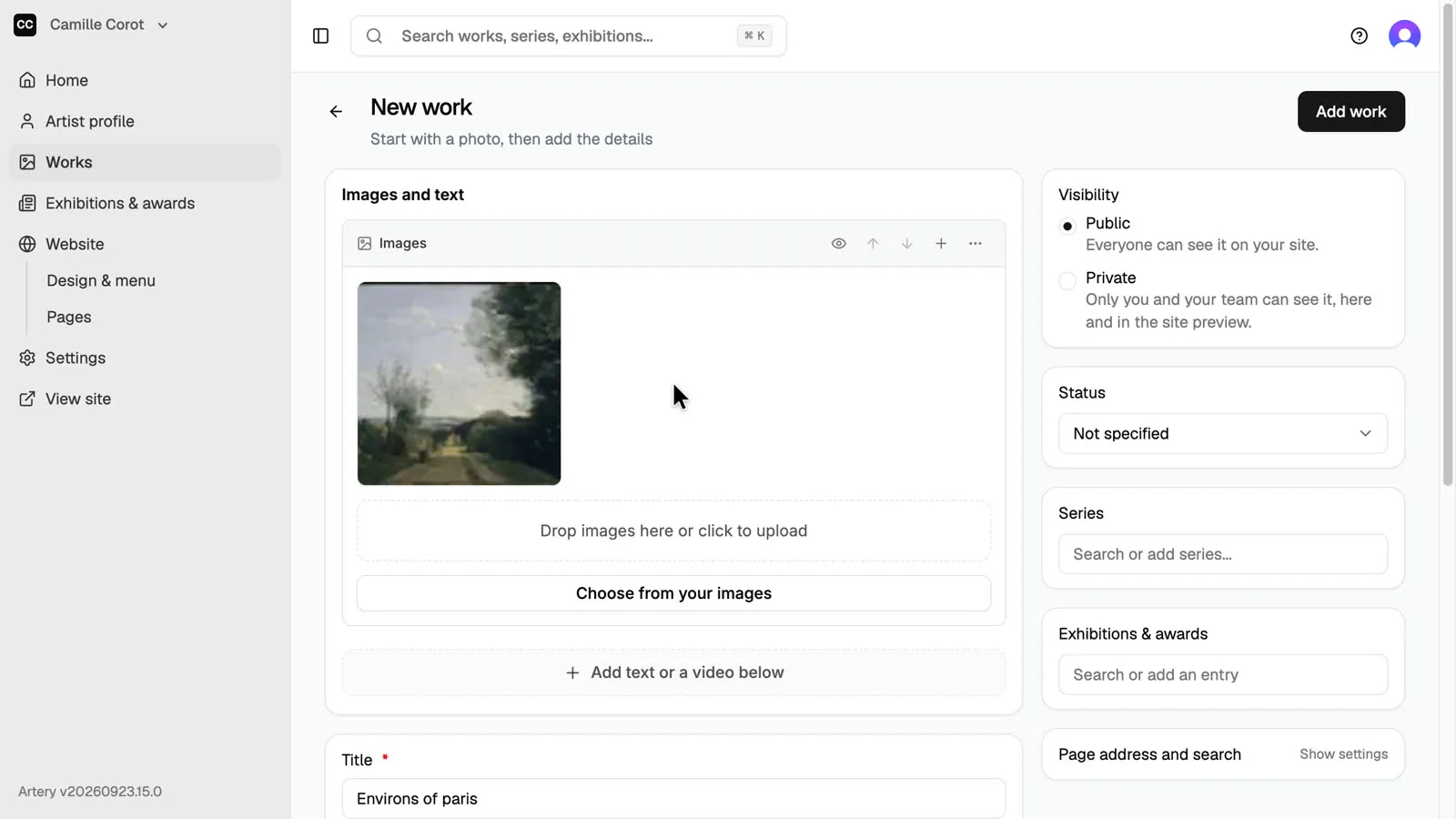
-
Title and year
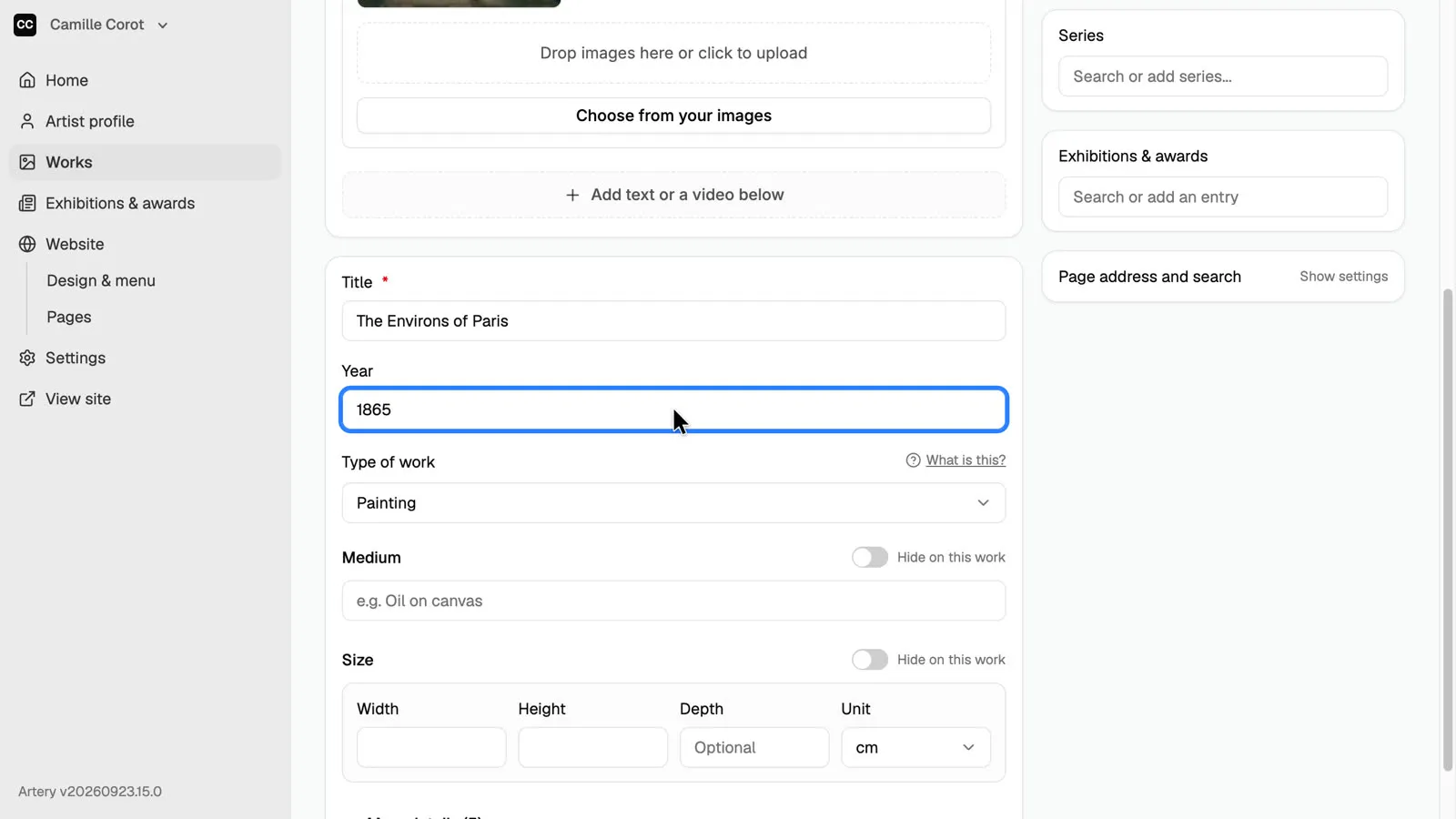
Artery fills in the title from the file name. Correct it, then type the year. Only the title is required.
-
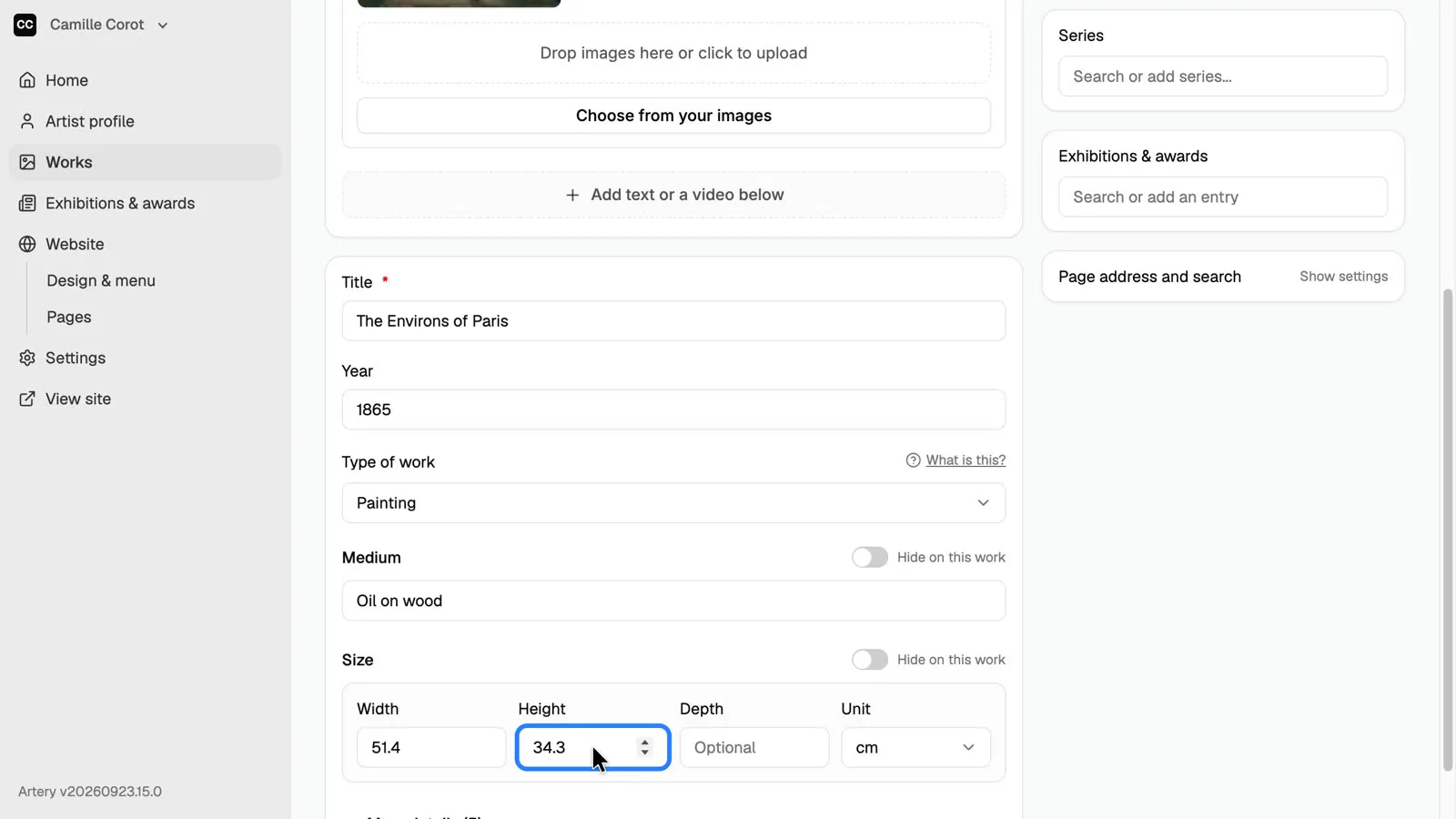
Medium and size
Add the medium and the size. Which fields you see depends on the **Type of work**: a painting asks for medium and size, a video for its duration. You can change the fields of each type in Settings.
-
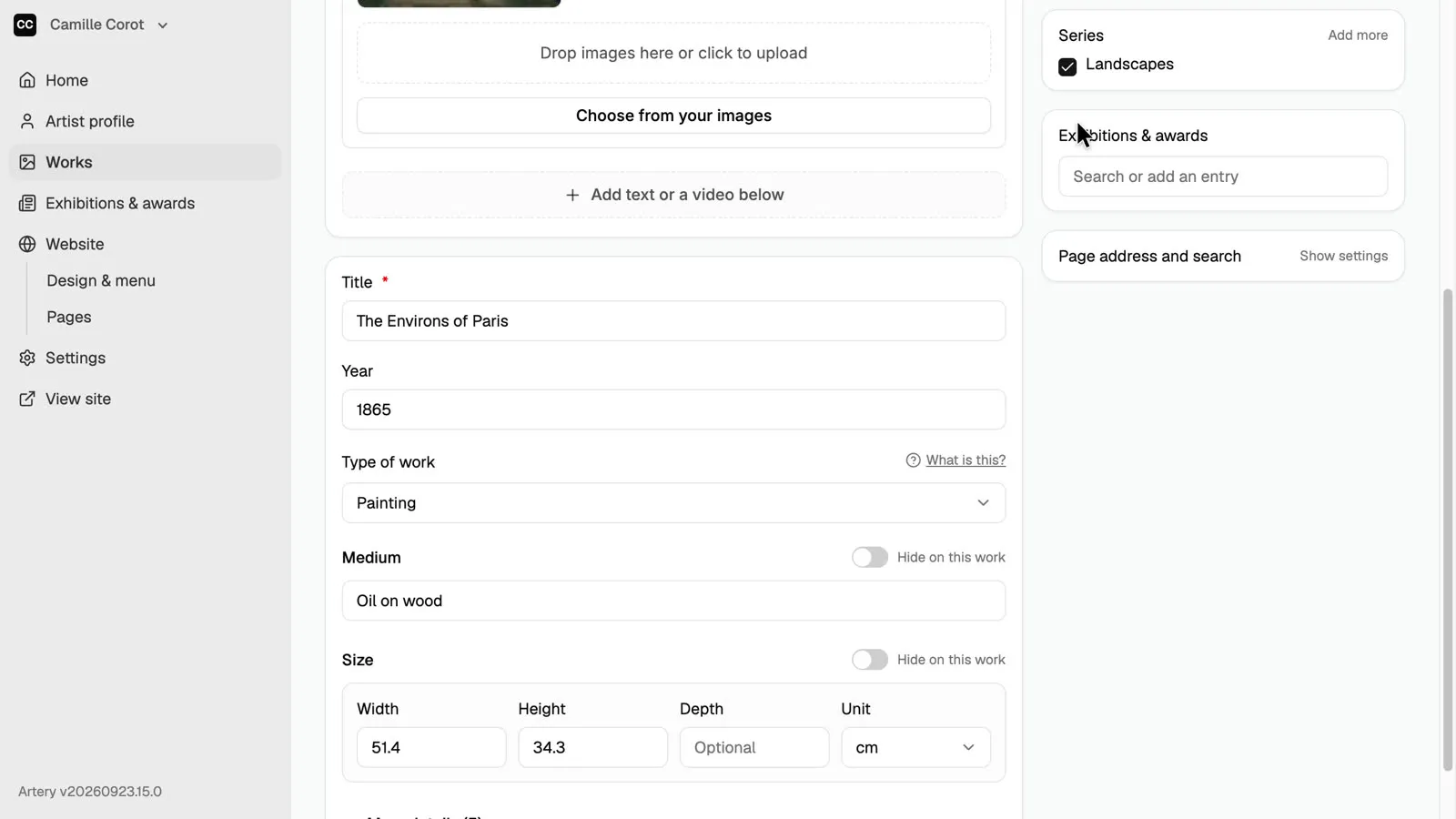
Choose a series
Under **Series**, search for a series and pick it. A work can be in more than one series.
-
Add the work
Public works appear on your site straight away; choose **Private** to keep a work to yourself and your team. Click **Add work** to save it.
-
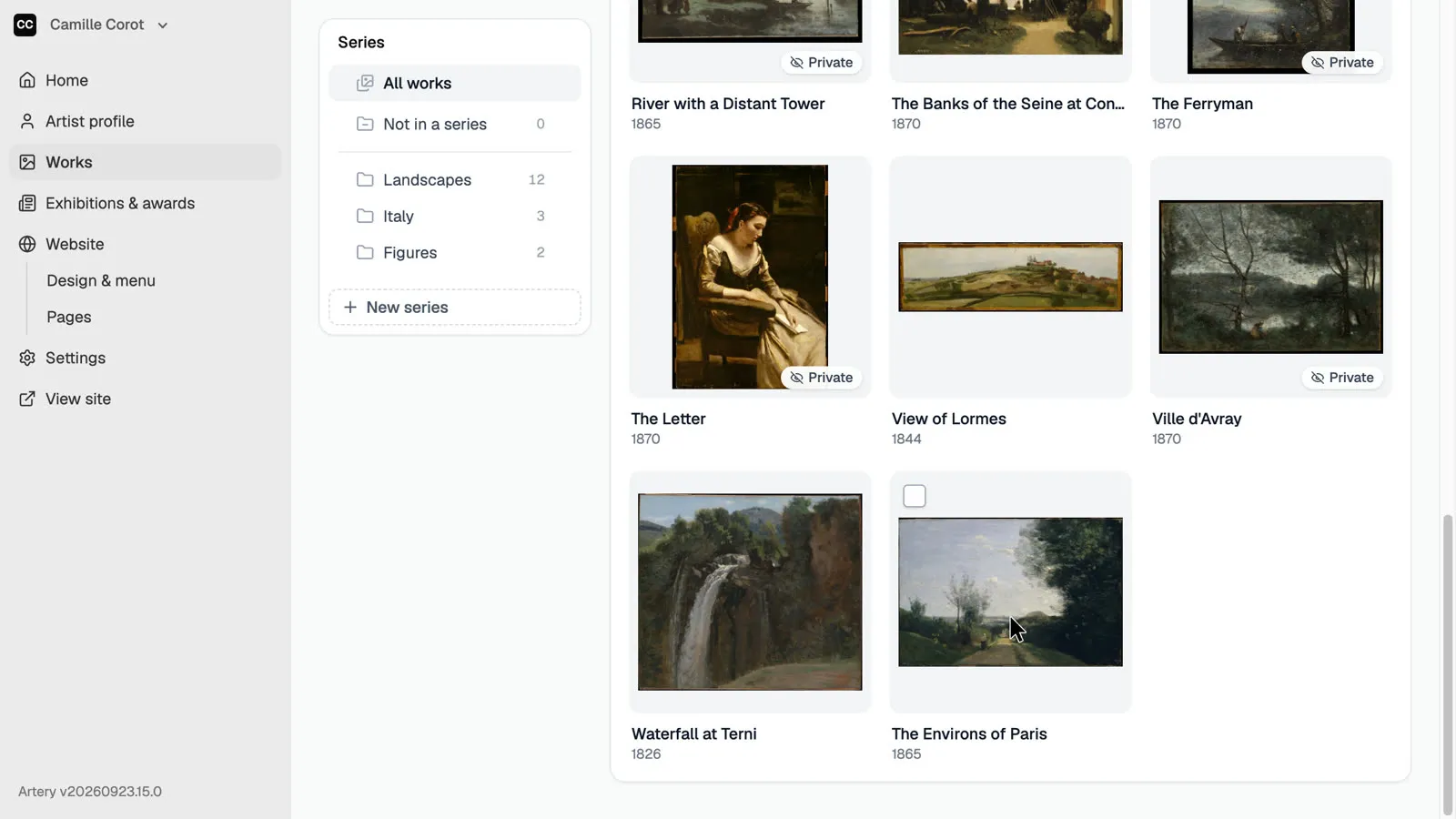
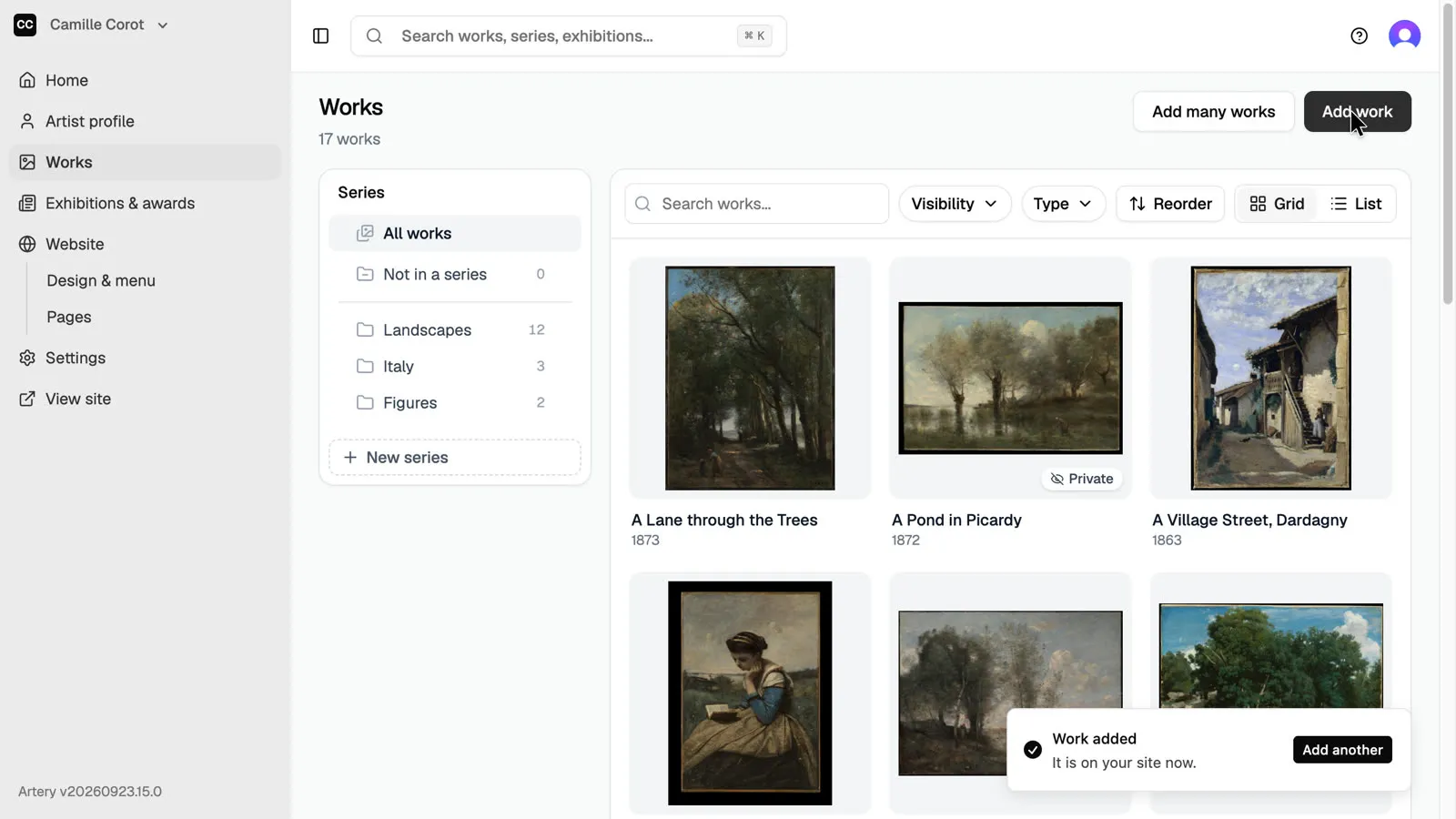
Find it in Works
The new work is in **Works**, and the Landscapes series now counts one more.