Set up your artist profile
Your artist profile is your site's About page and the top of every CV you export: portrait, biography, where you are based, birth year and place.
Updated
-
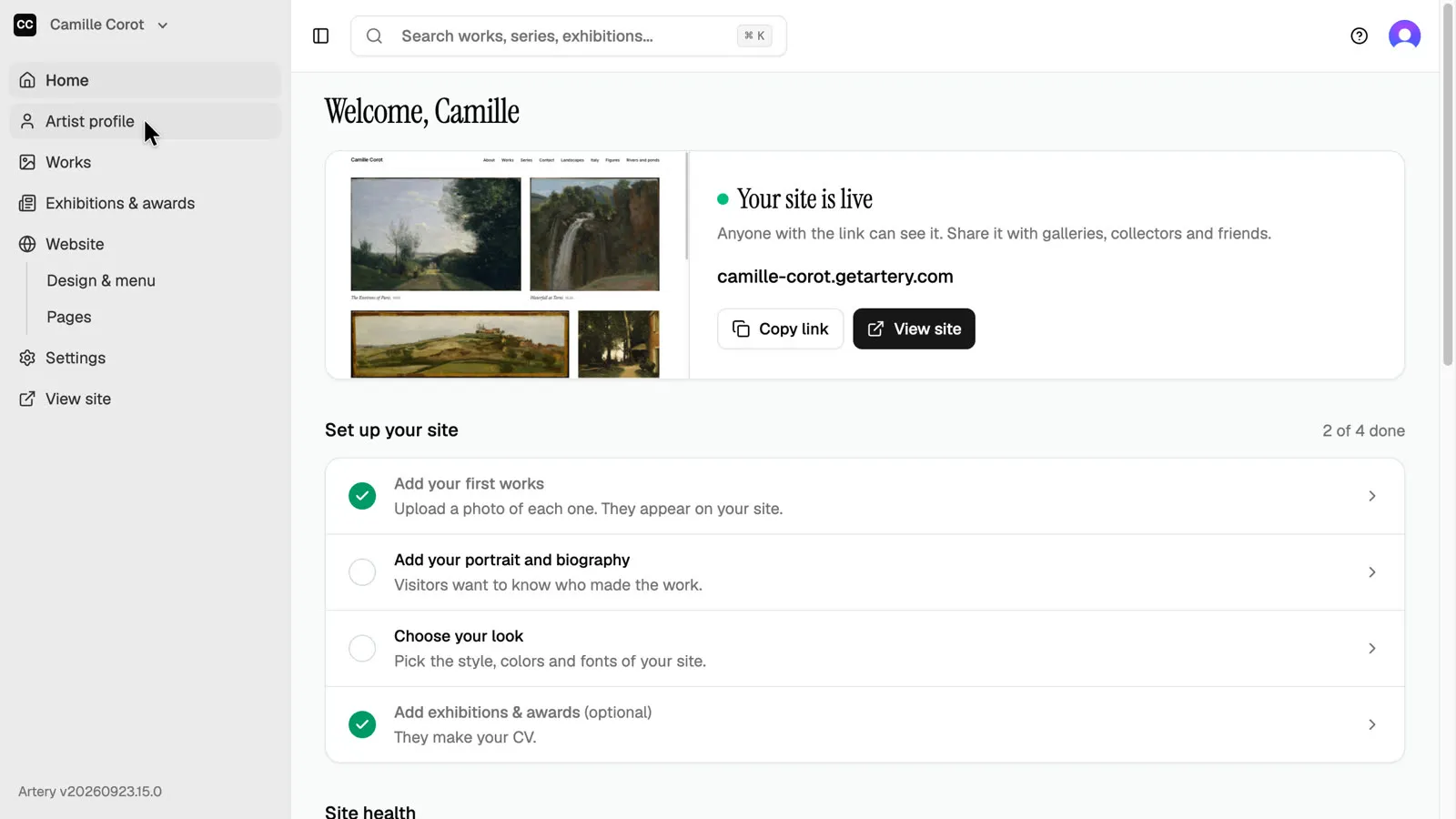
Open Artist profile
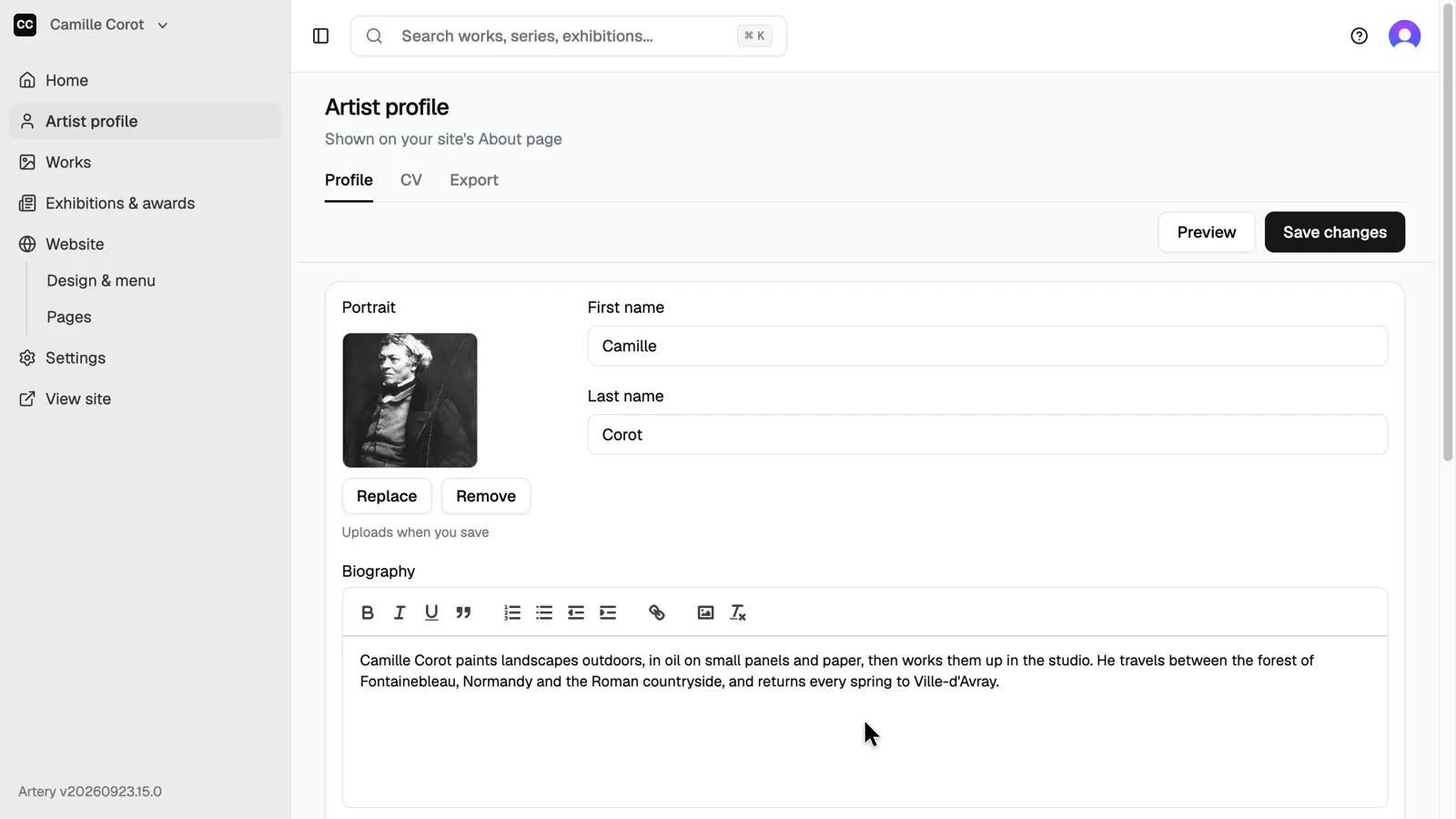
In the sidebar, open **Artist profile**. The **Profile** tab is what your site's About page shows.
-
Add a portrait
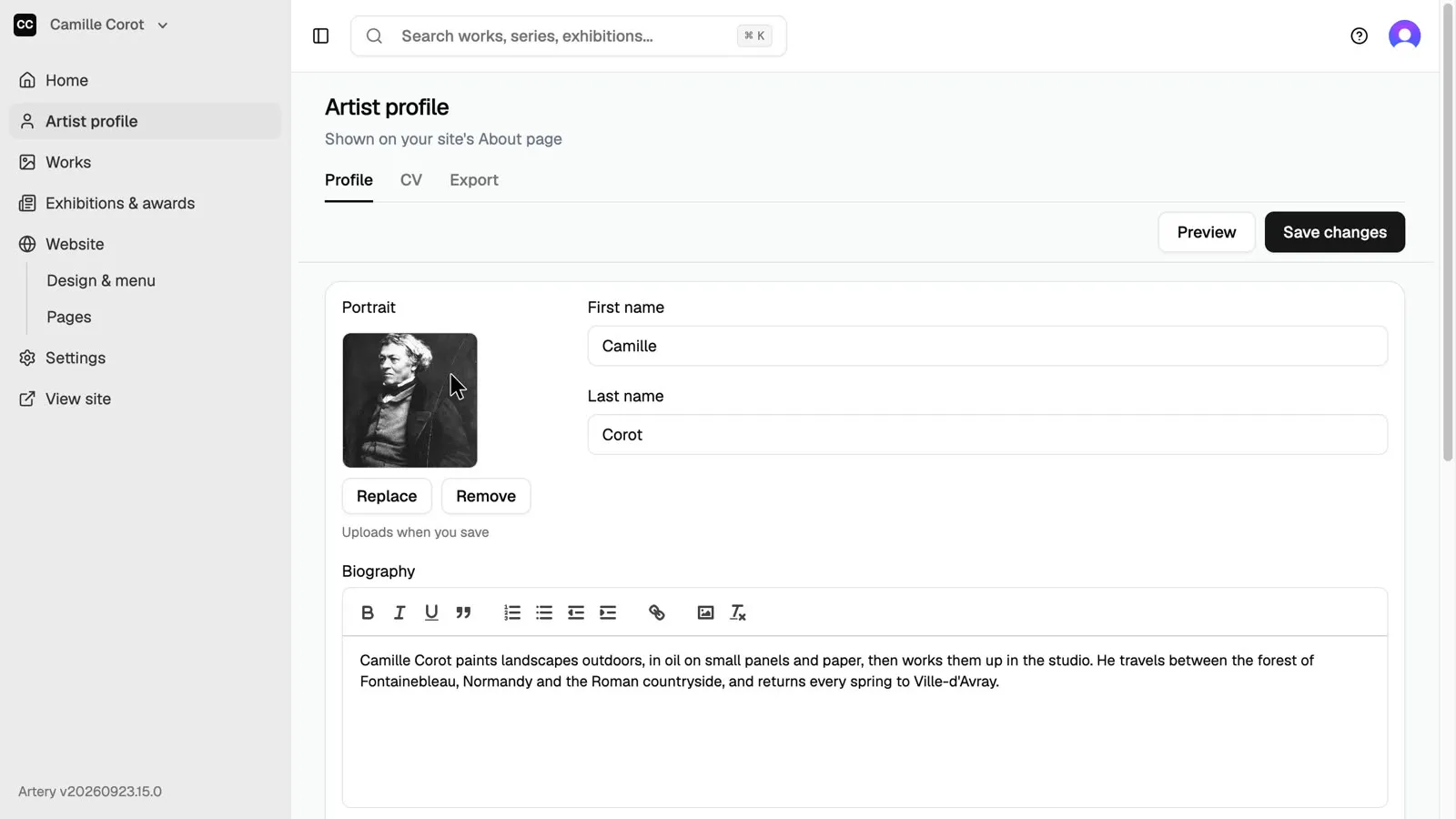
Click the portrait box, or drop a photo on it. A clear, recent photo works best.
-
Write your biography
Write a short biography in the editor: what you make, how, and where. It appears on your About page and can go on your CVs.
-
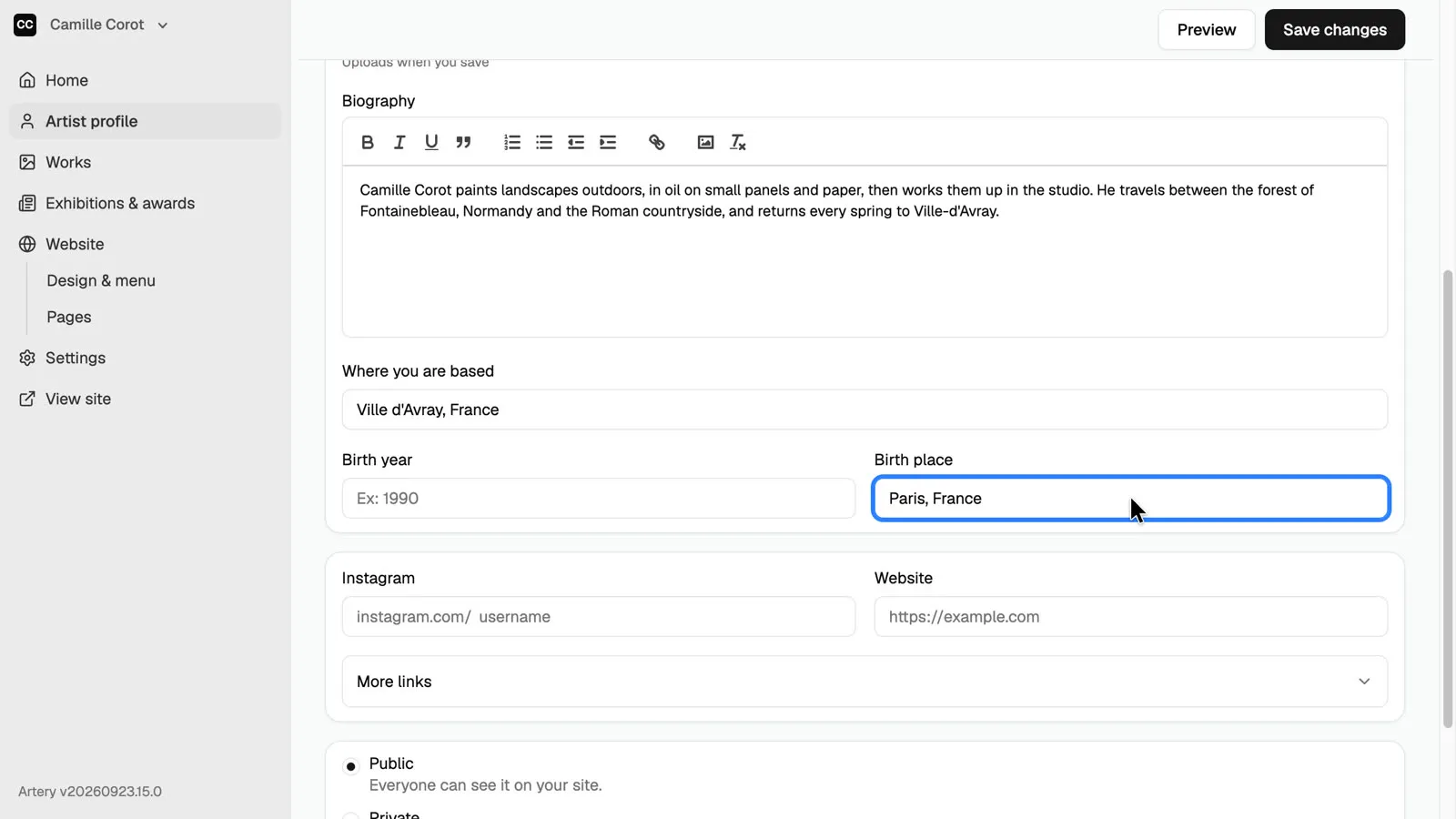
Where you are based
Fill in where you are based, your birth year and your birth place. Grant and residency applications often ask for them, and the CV export prints them for you.
-
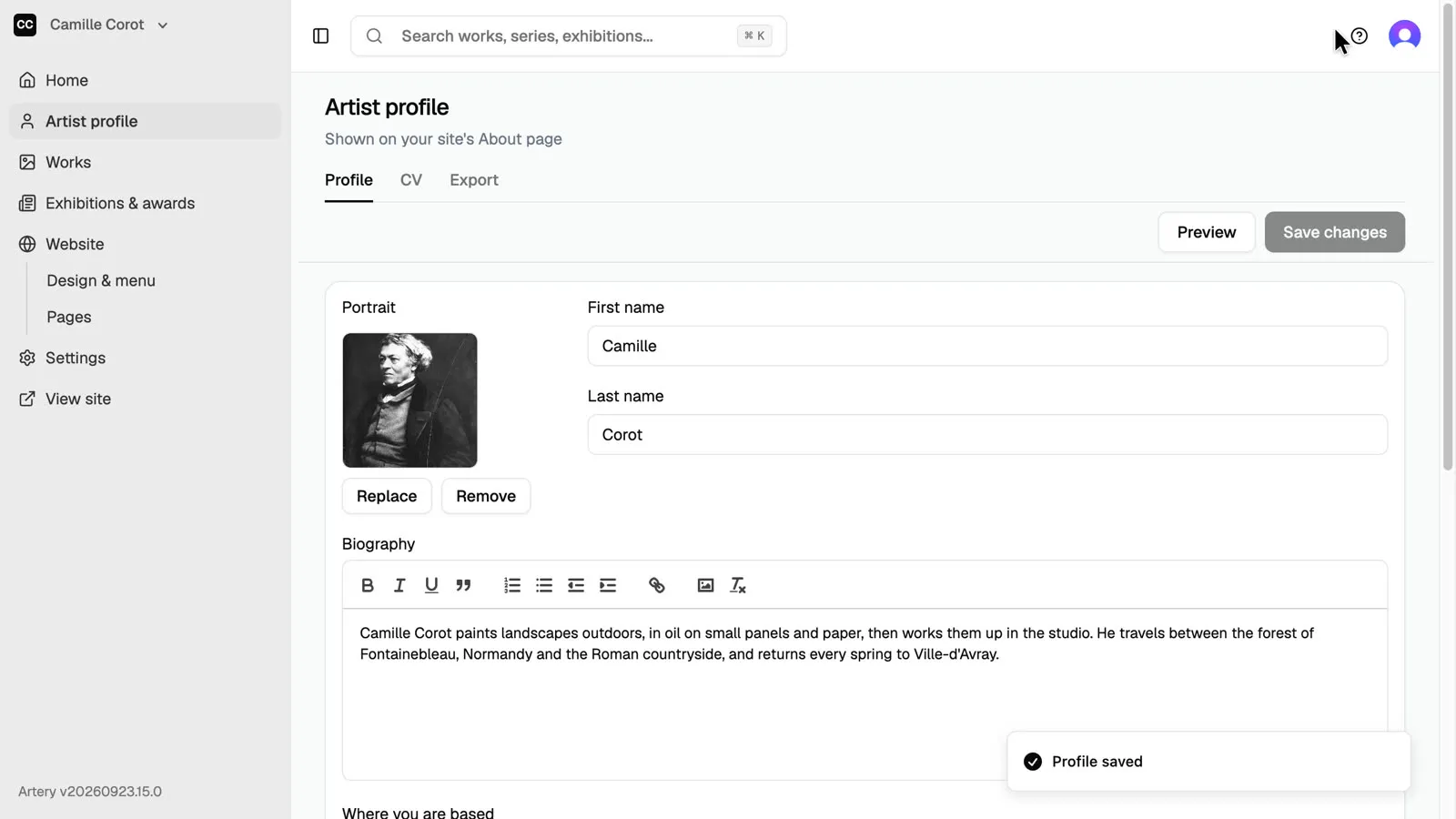
Save
Click **Save changes**. **Preview** shows your About page as visitors see it.