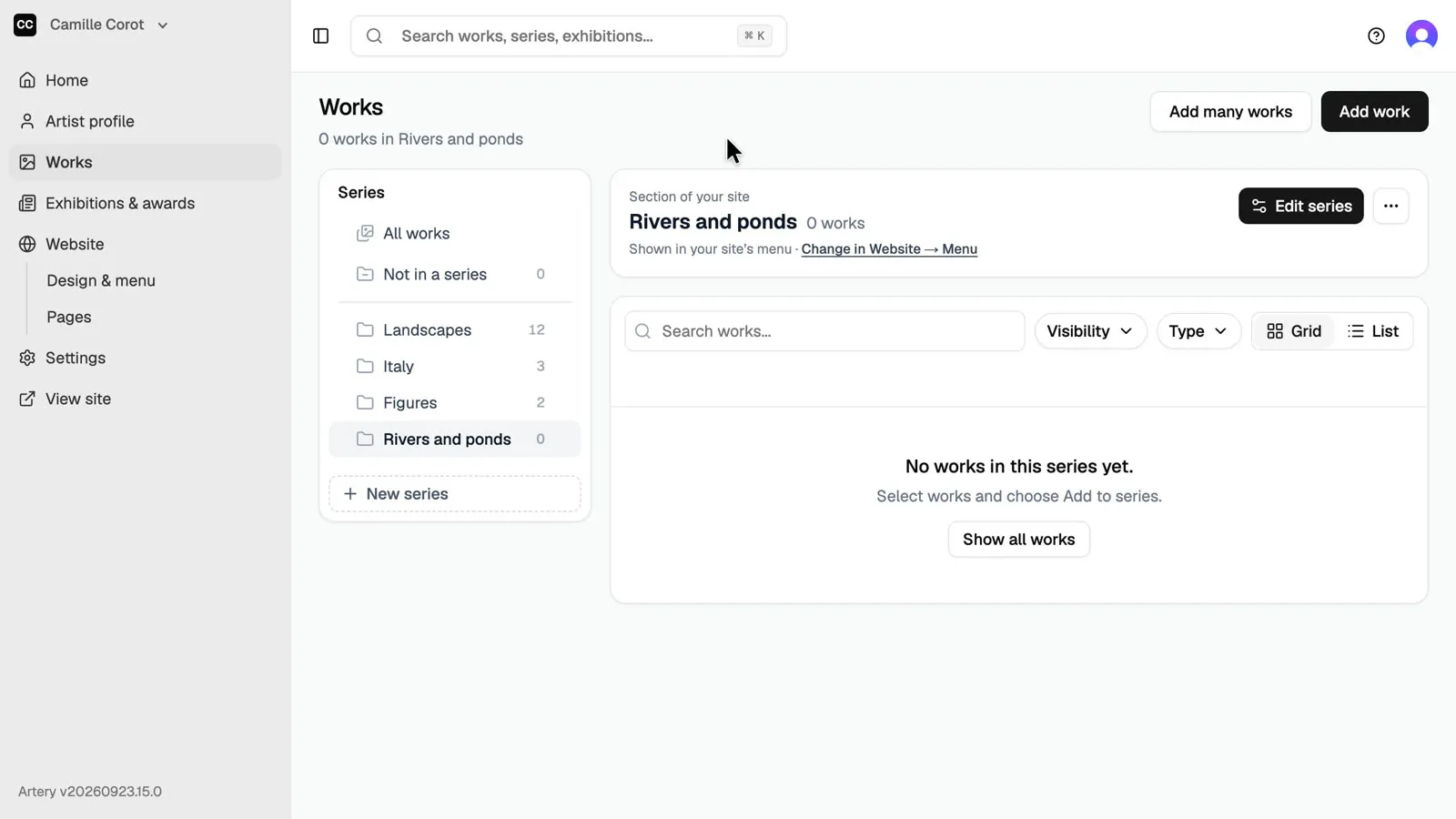
Create a series
Series are the sections of your Artery site: a body of work, a period, a theme. Create one from Works, choose where it sits and whether it shows in your site's menu.
Updated
-
Open Works
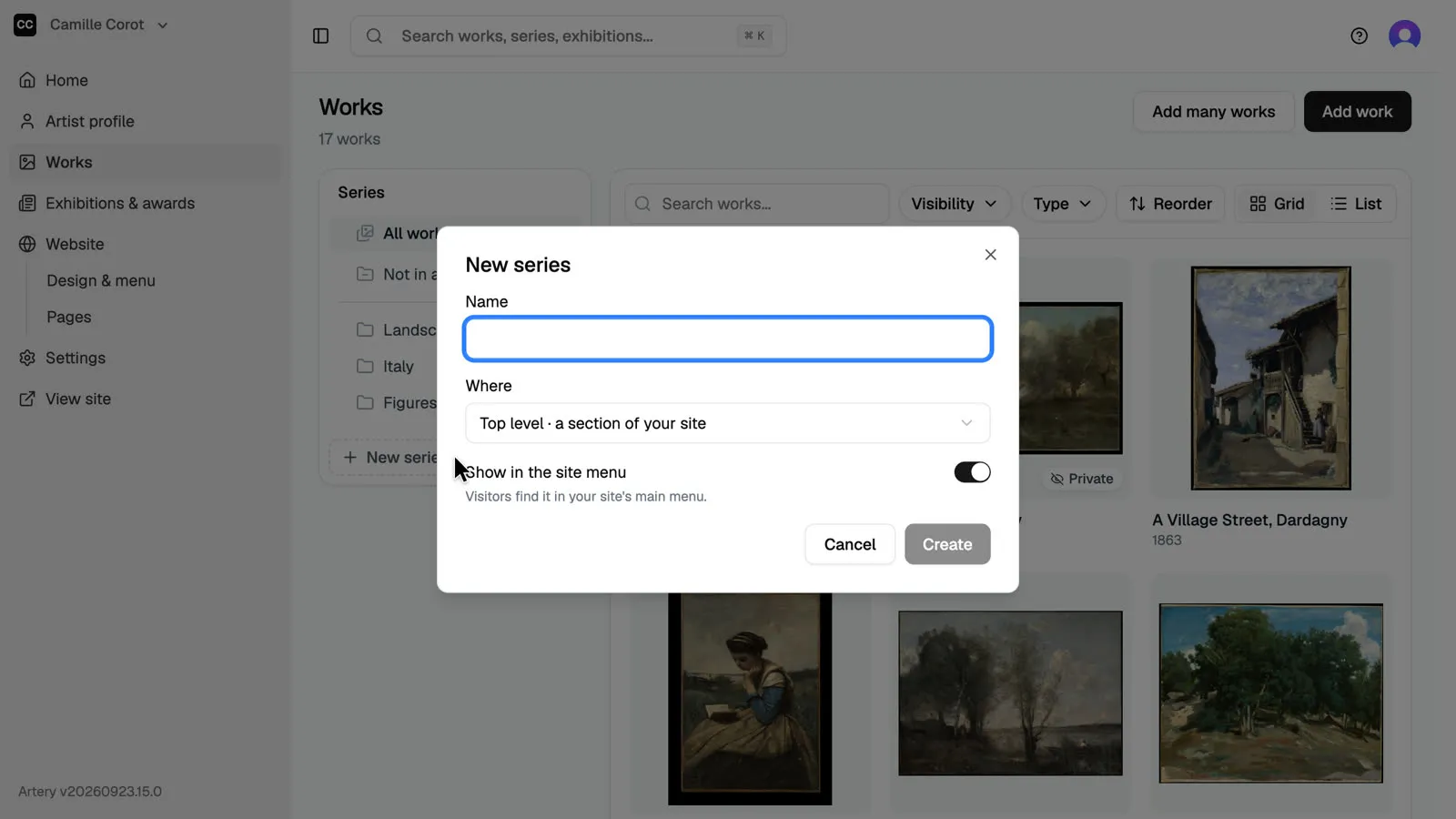
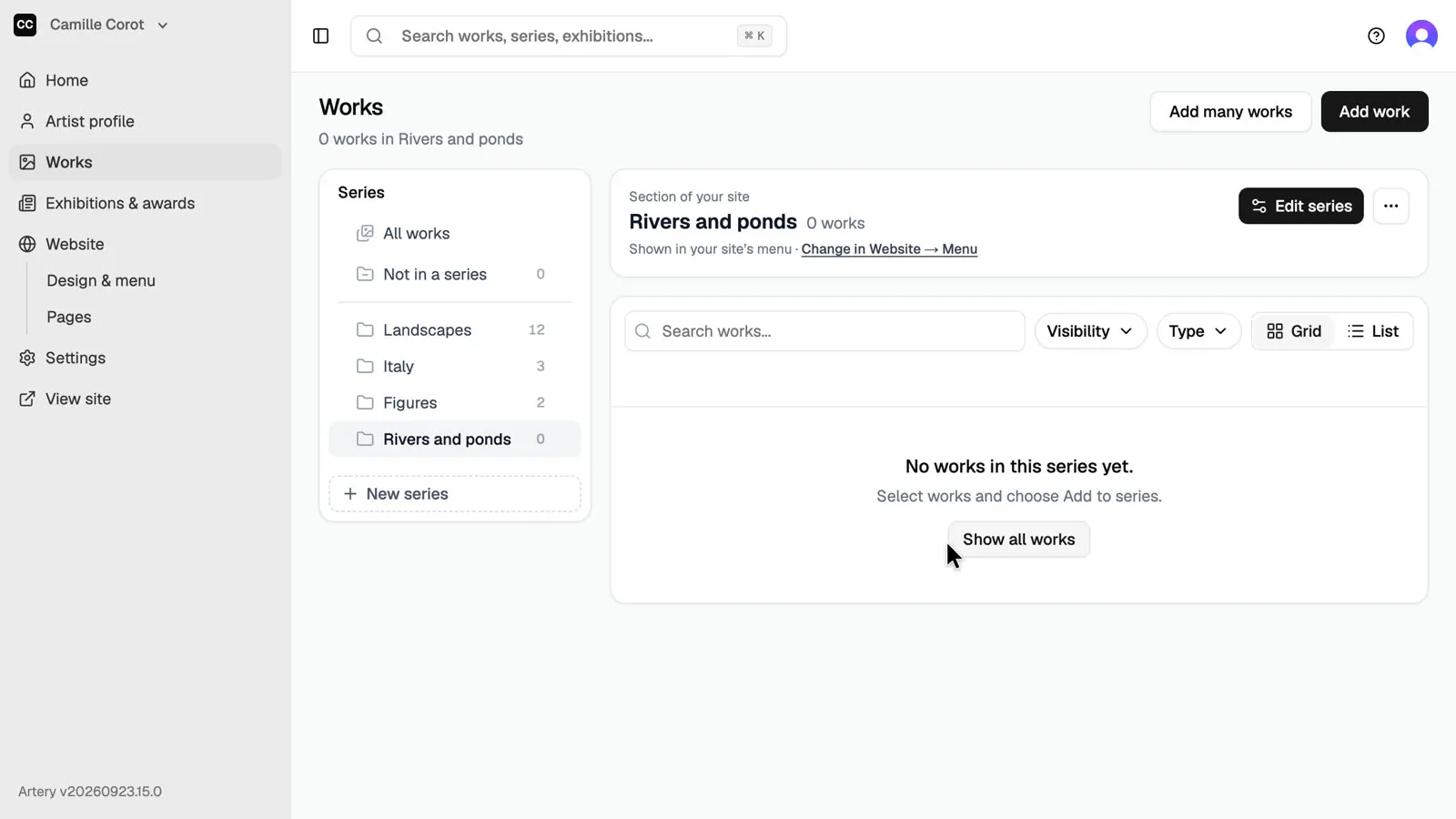
In the sidebar, open **Works**. Your series are listed on the left of the works. Click **New series** under them.
-
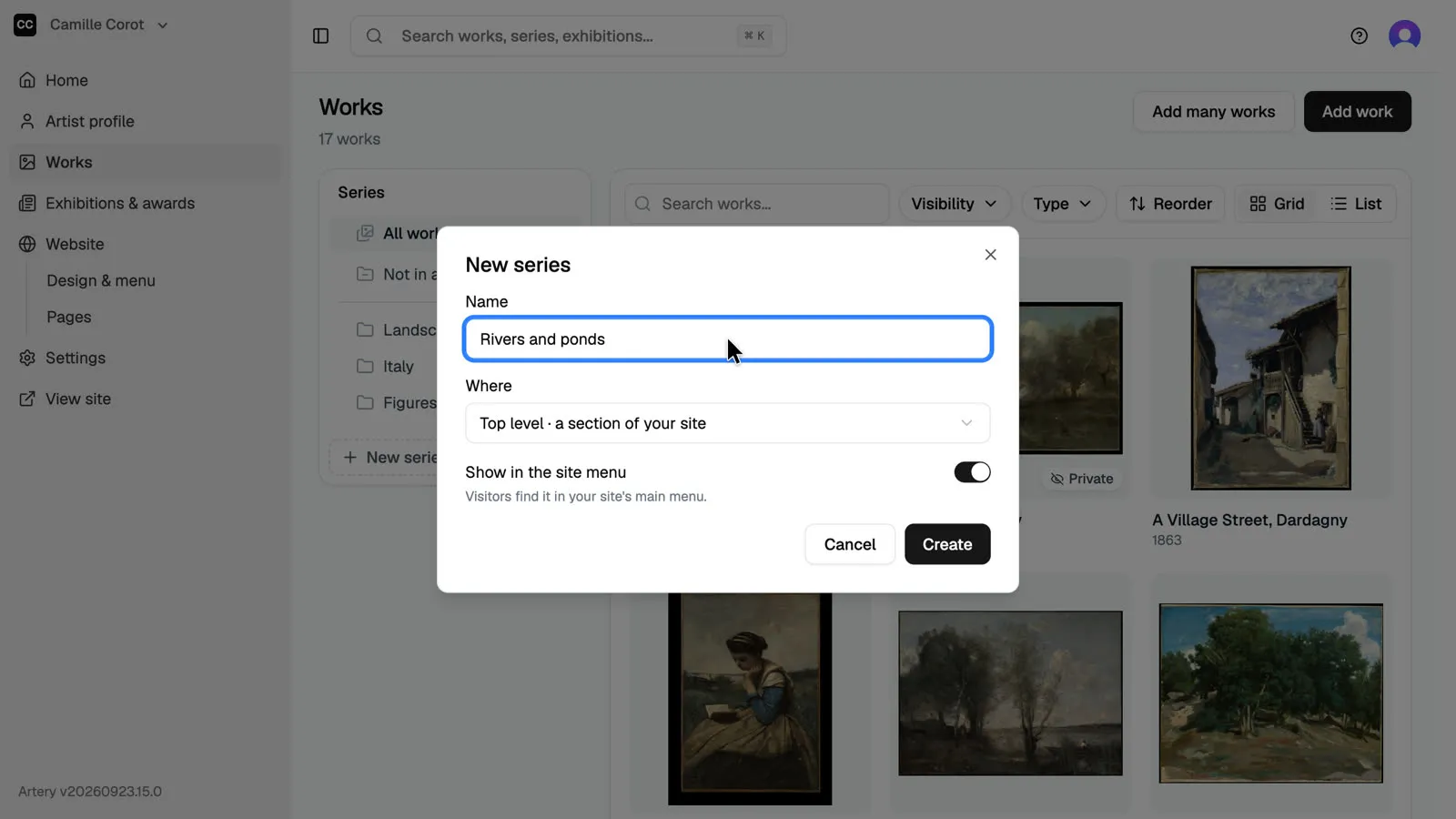
Name it
Type a name. Visitors see it as the section's title on your site.
-
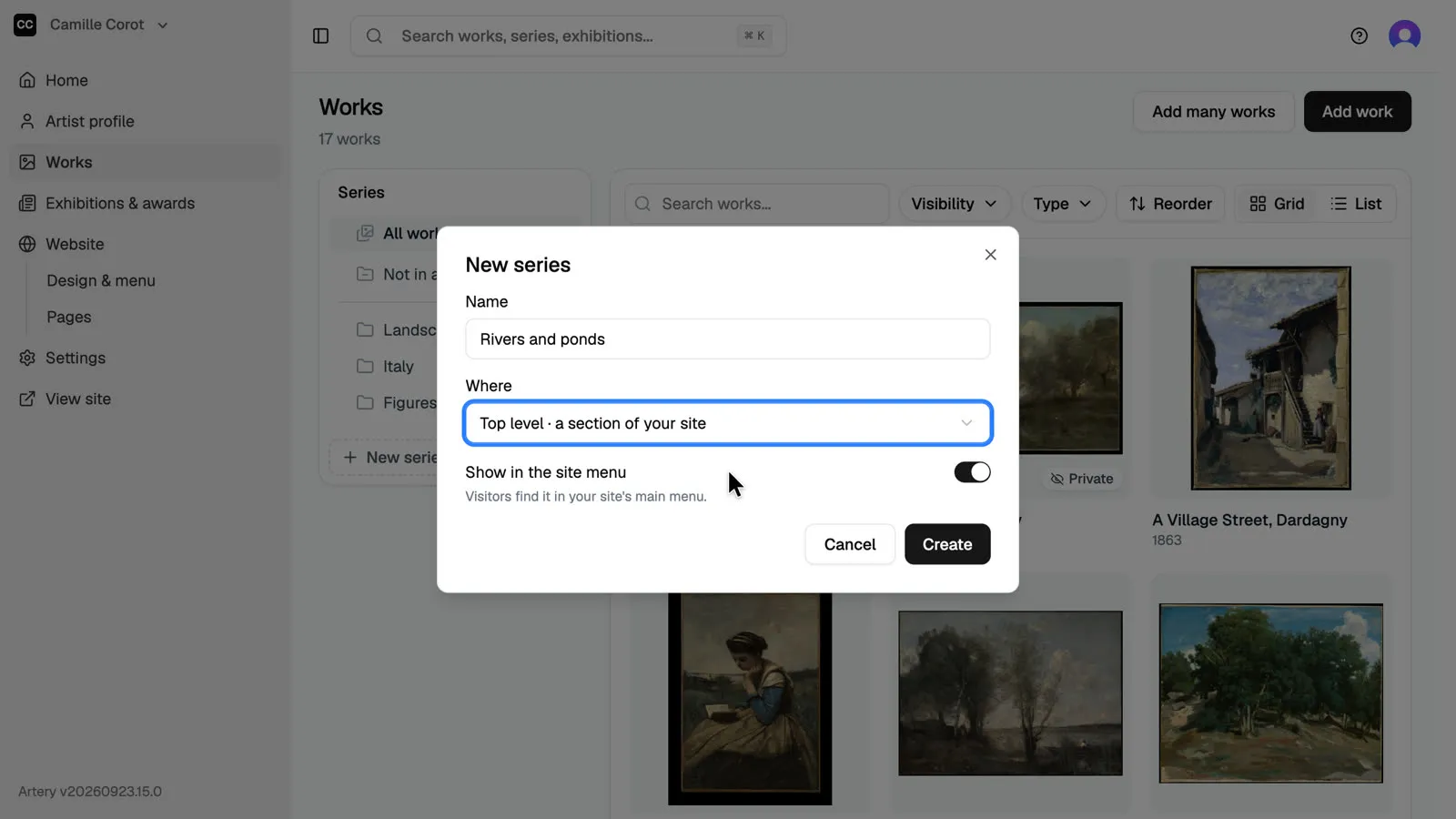
Choose where it sits
**Top level** makes the series its own section of your site. Choose another series instead to nest it inside, like a chapter.
-
Show it in the menu
Leave **Show in the site menu** on so visitors can find the series from your site's menu, then click **Create**.
-
Your new series
The new series is in the list. Add works to it from the works list or from each work's page.