Add your own fields to your works
Every practice records different details: where a painting is signed, a print's edition, a video's duration. Add your own field to a work type in Artery, and every work of that type gets it, in the editor and on your site.
Updated
-
Open Work types
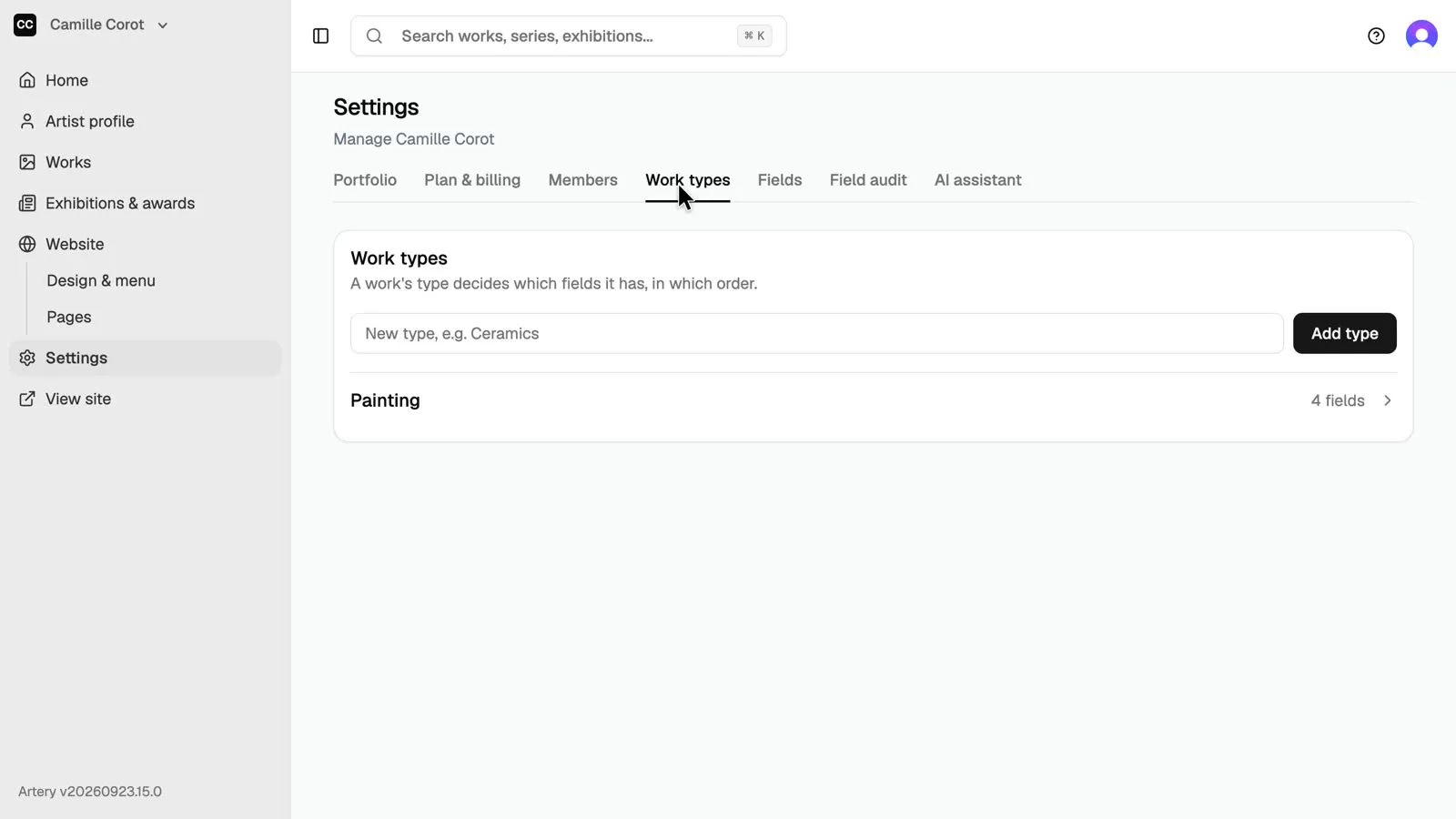
In the sidebar, open **Settings**, then the **Work types** tab. A work type, such as Painting or Video, decides which fields its works have.
-
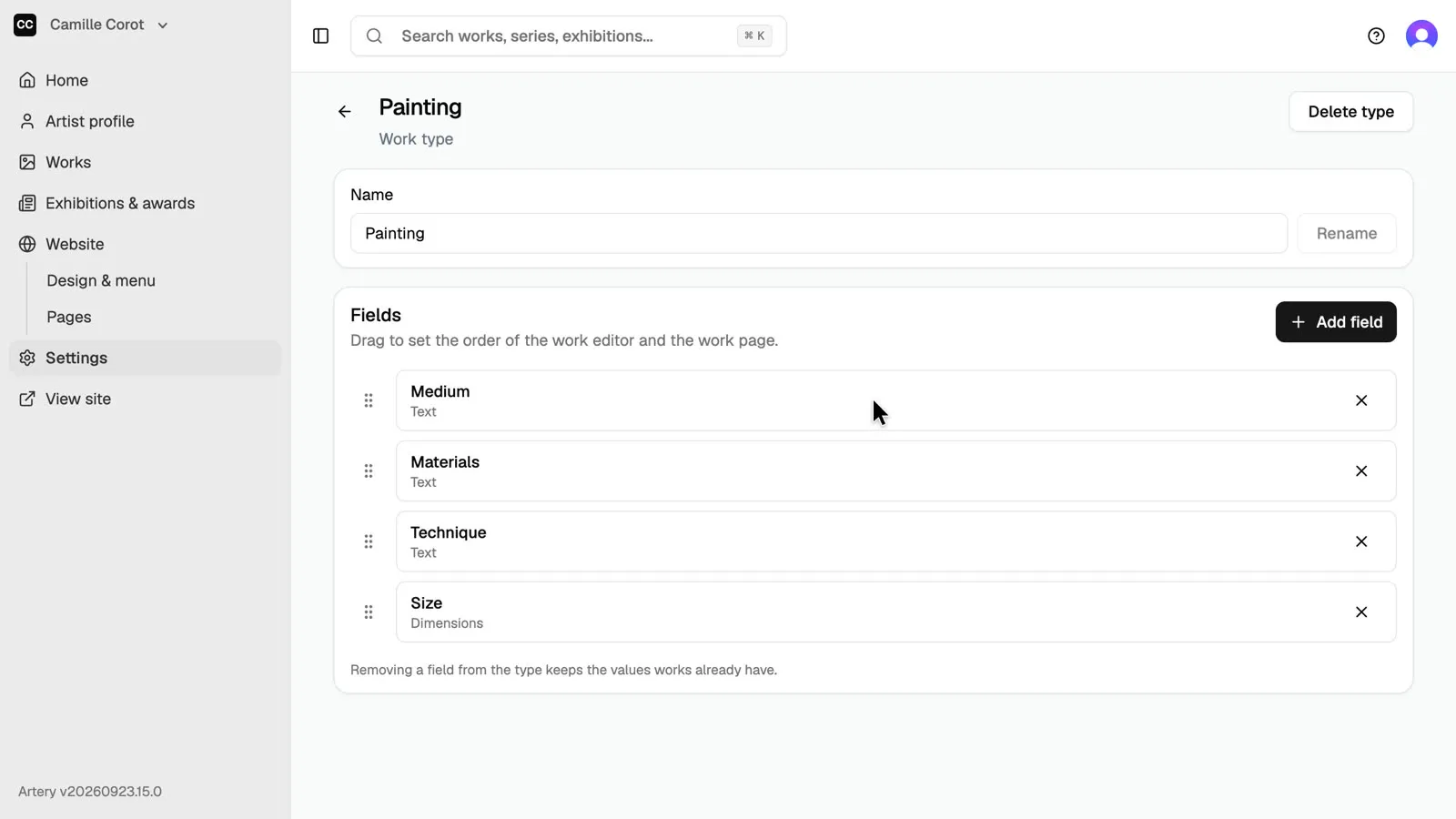
Open Painting
Open a type to see its fields. Drag them to set their order in the work editor and on the work page.
-
Create a field
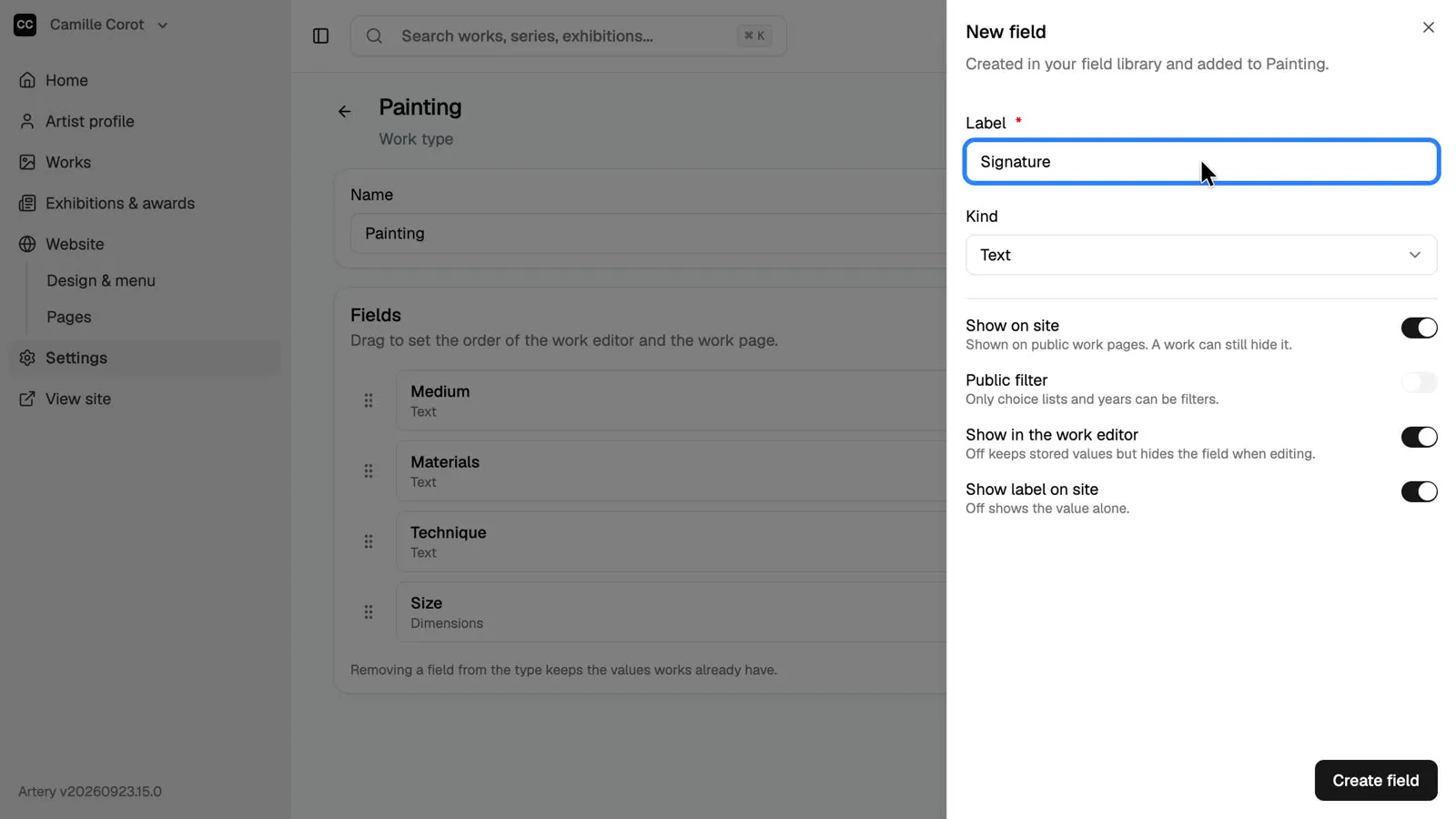
Click **Add field**. Pick a field from your library, or click **Create a new field** and give it a label. Here: **Signature**, where the painting is signed, a detail collectors and auction houses ask for.
-
Choose its kind
Choose the **Kind**: text, number, year, choice list, dimensions or link. Choice lists and years can become filters on your site. Keep **Show on site** on to print the field on the work's public page, then click **Create field**.
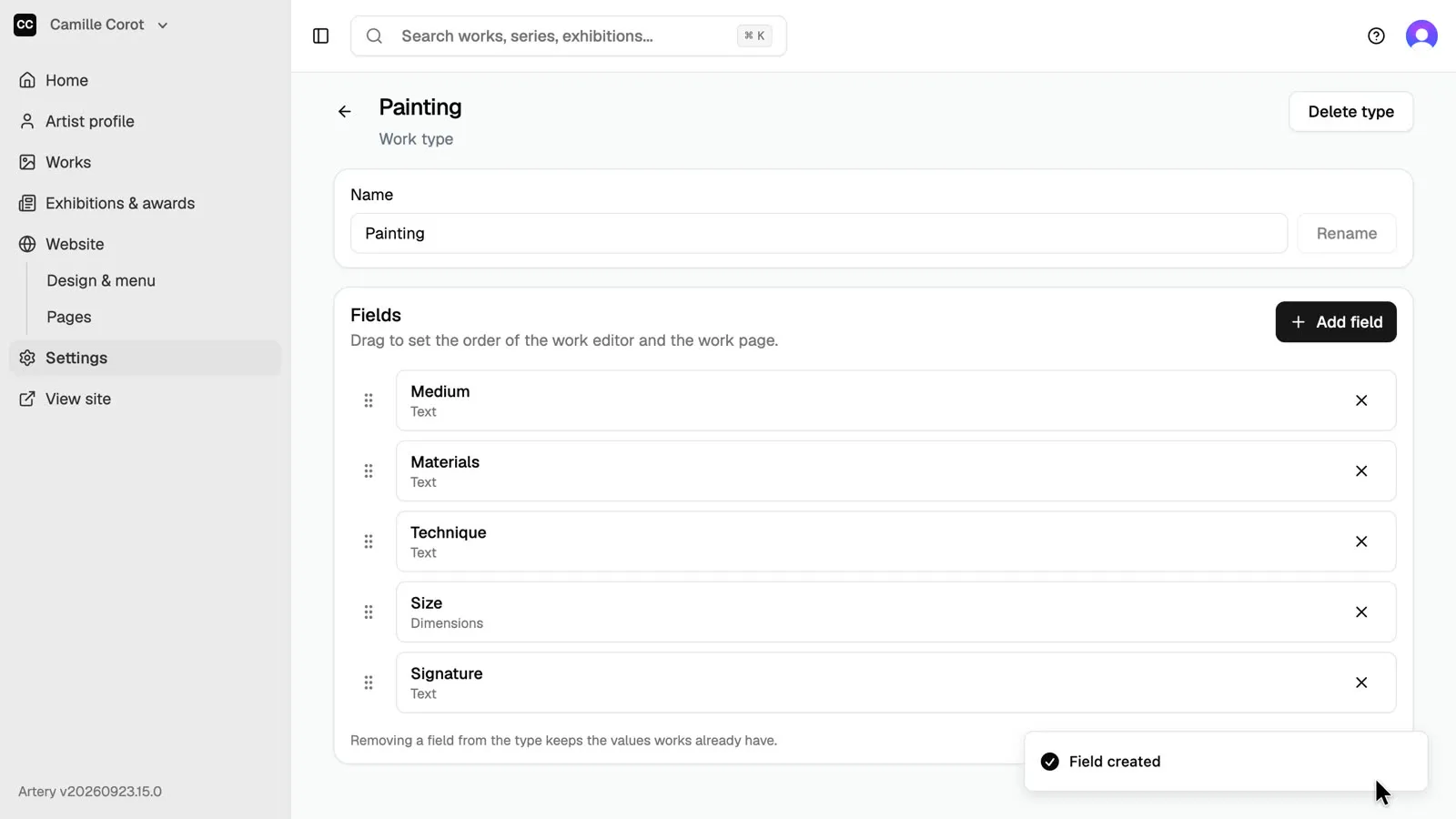
-
Fill it in on a work
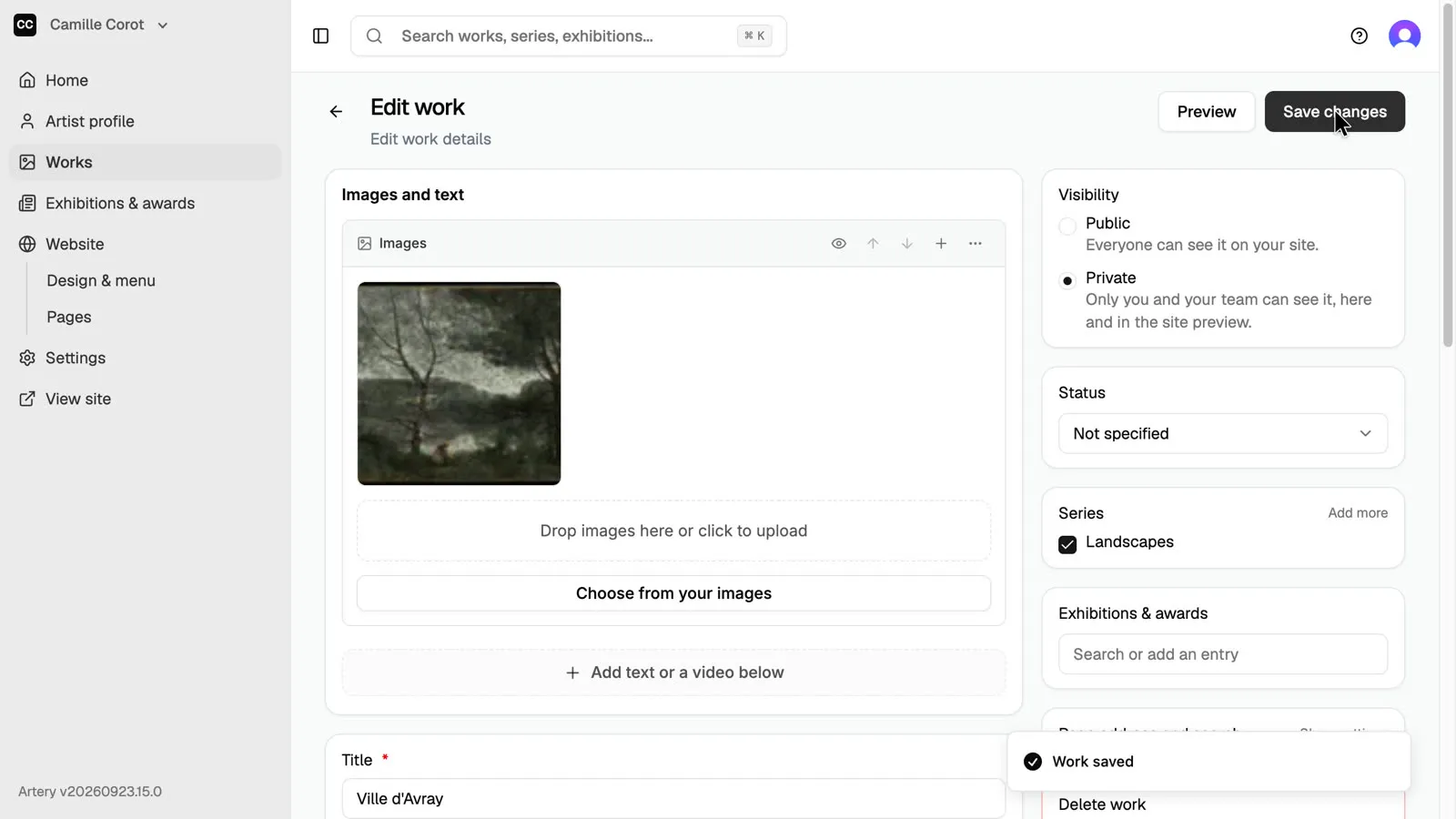
Open any work of that type: the new field is in its editor, under **More details** until it has a value. Fill it in and click **Save changes**.