Export your CV as a PDF
Make a CV for a gallery, a grant or a residency from your Artery profile: pick a template, choose what goes in, add works, preview and download the PDF.
Updated
-
Your CV
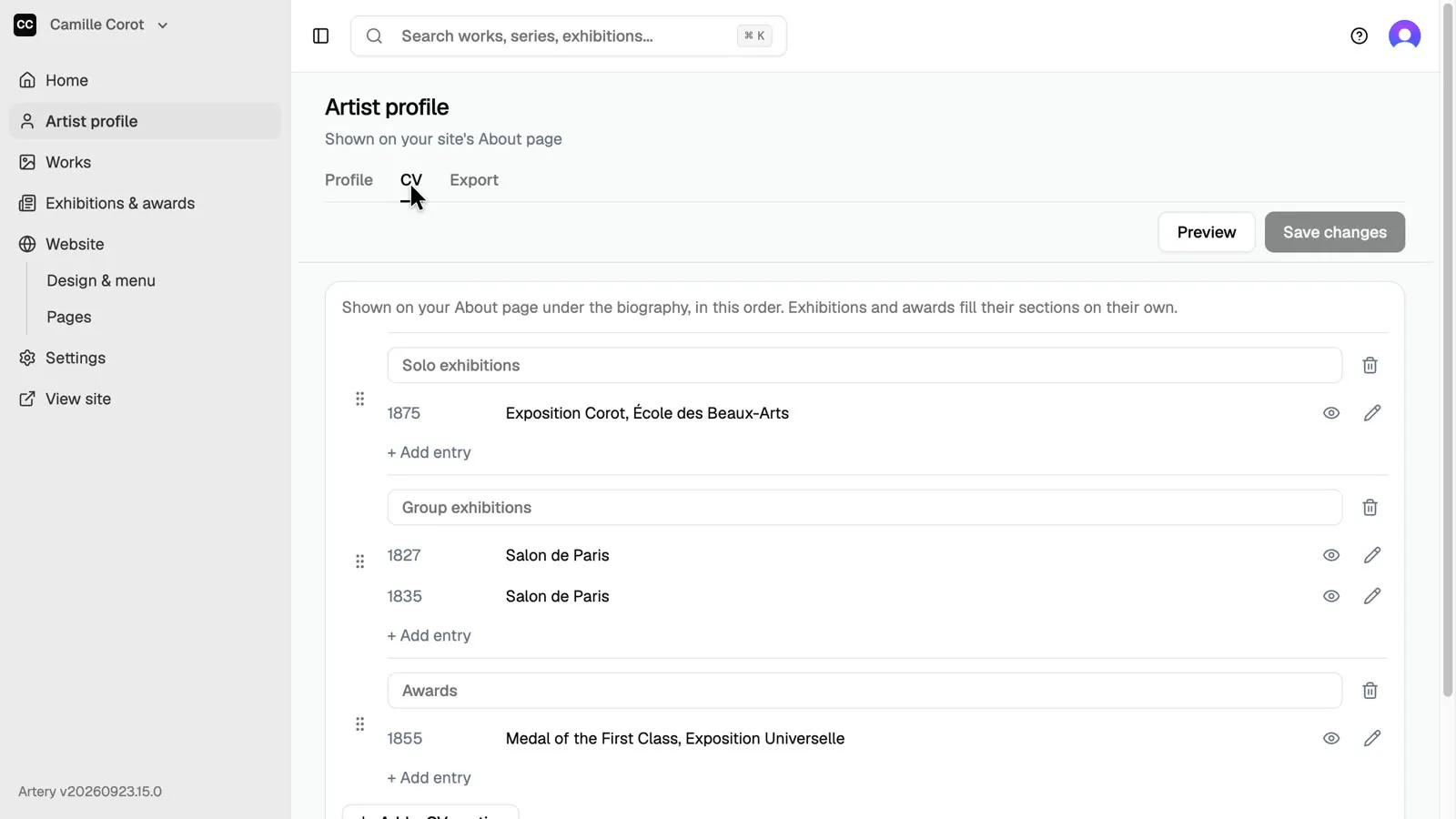
Open **Artist profile**, then the **CV** tab. Its sections fill in from **Exhibitions & awards**; drag a section to change the order.
-
Open Export
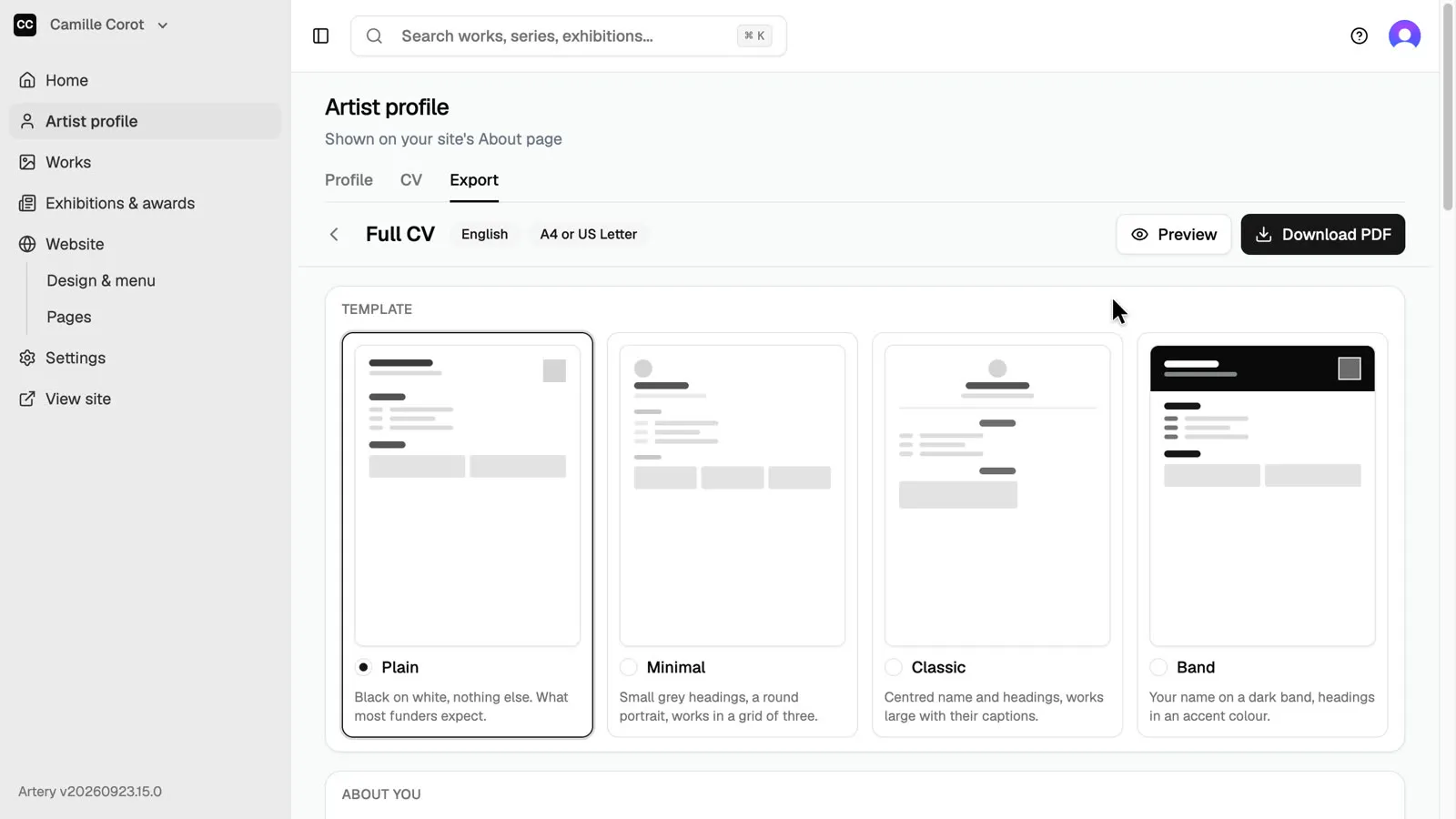
Open the **Export** tab. Each card is a destination with its own rules: language, page limit, signature lines. **Full CV** prints every entry, for galleries, curators and your own files.
-
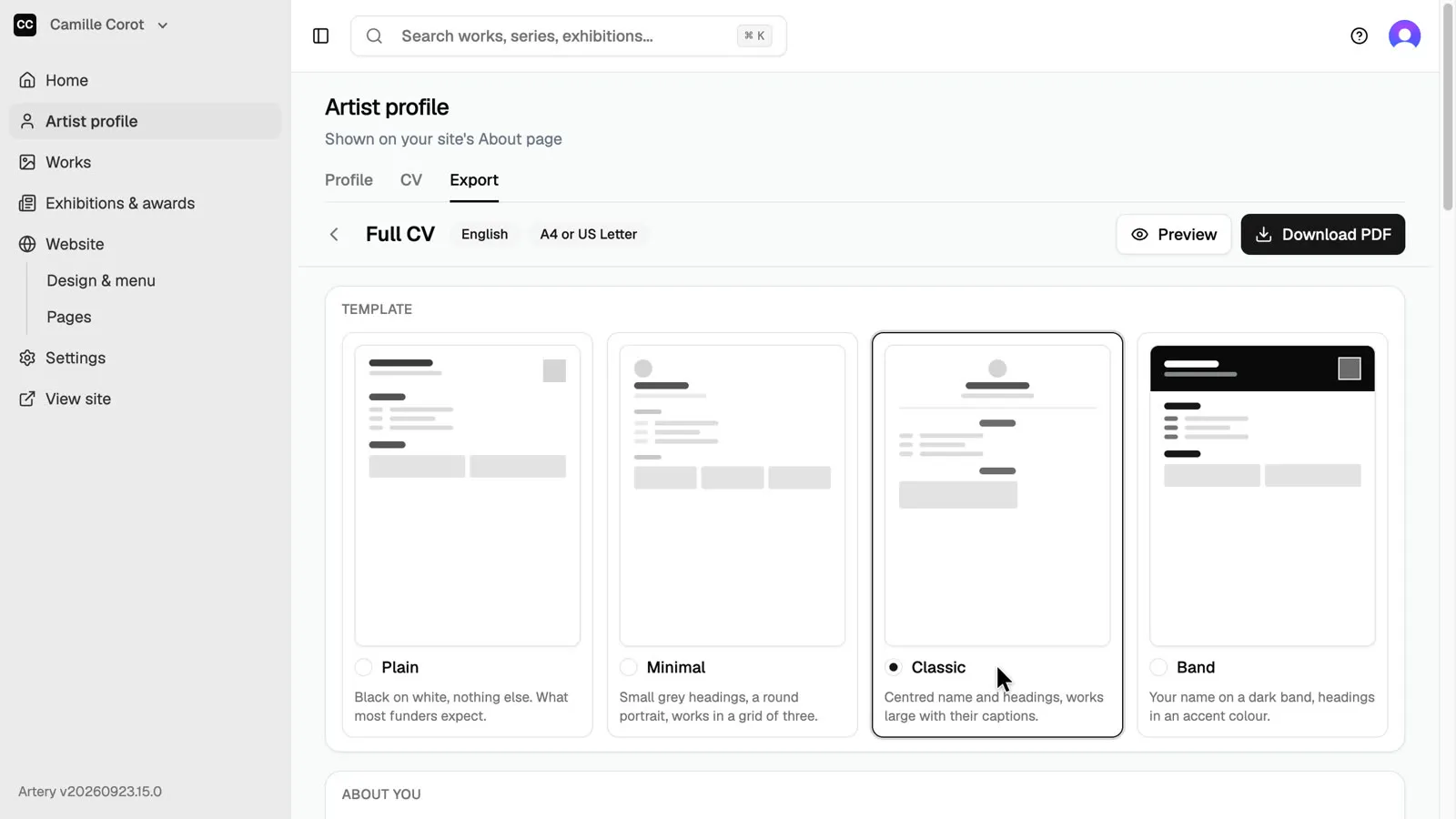
Choose a template
Choose a template: **Plain** is what most funders expect, **Minimal**, **Classic** and **Band** add more character.
-
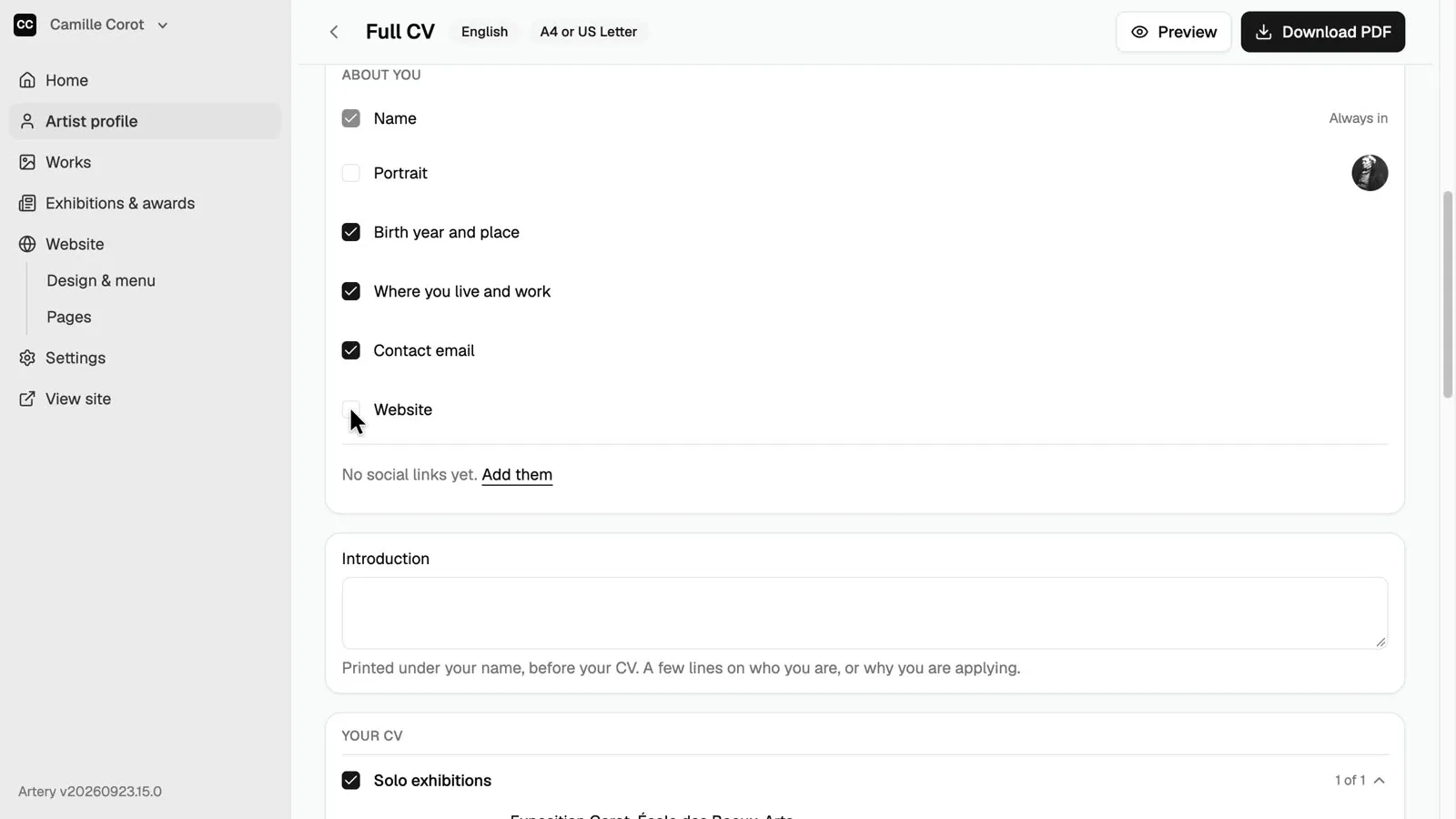
Choose what goes in
Under **About you**, tick what the PDF prints: portrait, birth year and place, where you live and work, contact email, website. Anything not filled in yet has an **Add it** link.
-
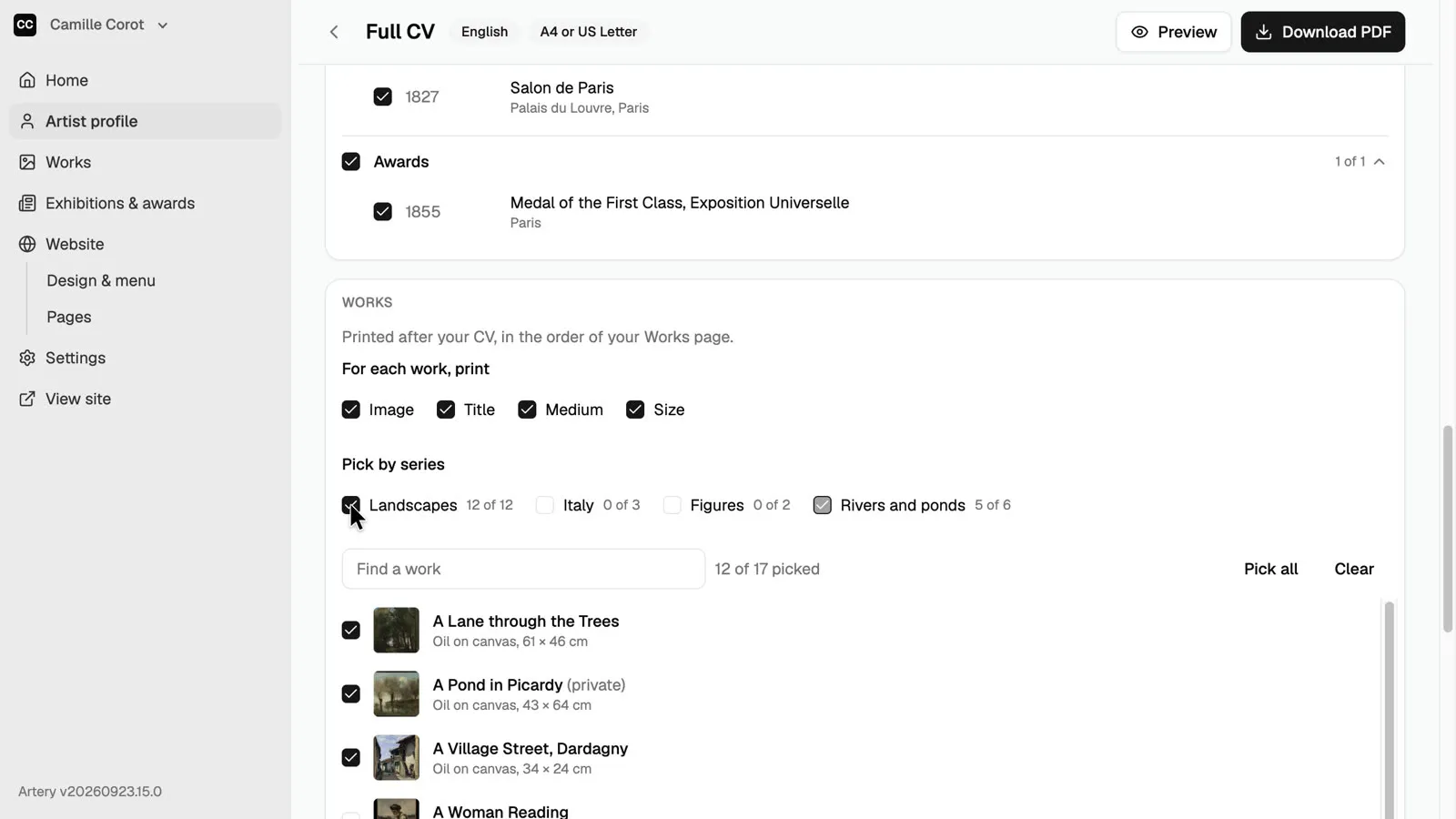
Add works
Under **Works**, choose what to print for each work, then pick works one by one or a whole series at once.
-
Preview and download
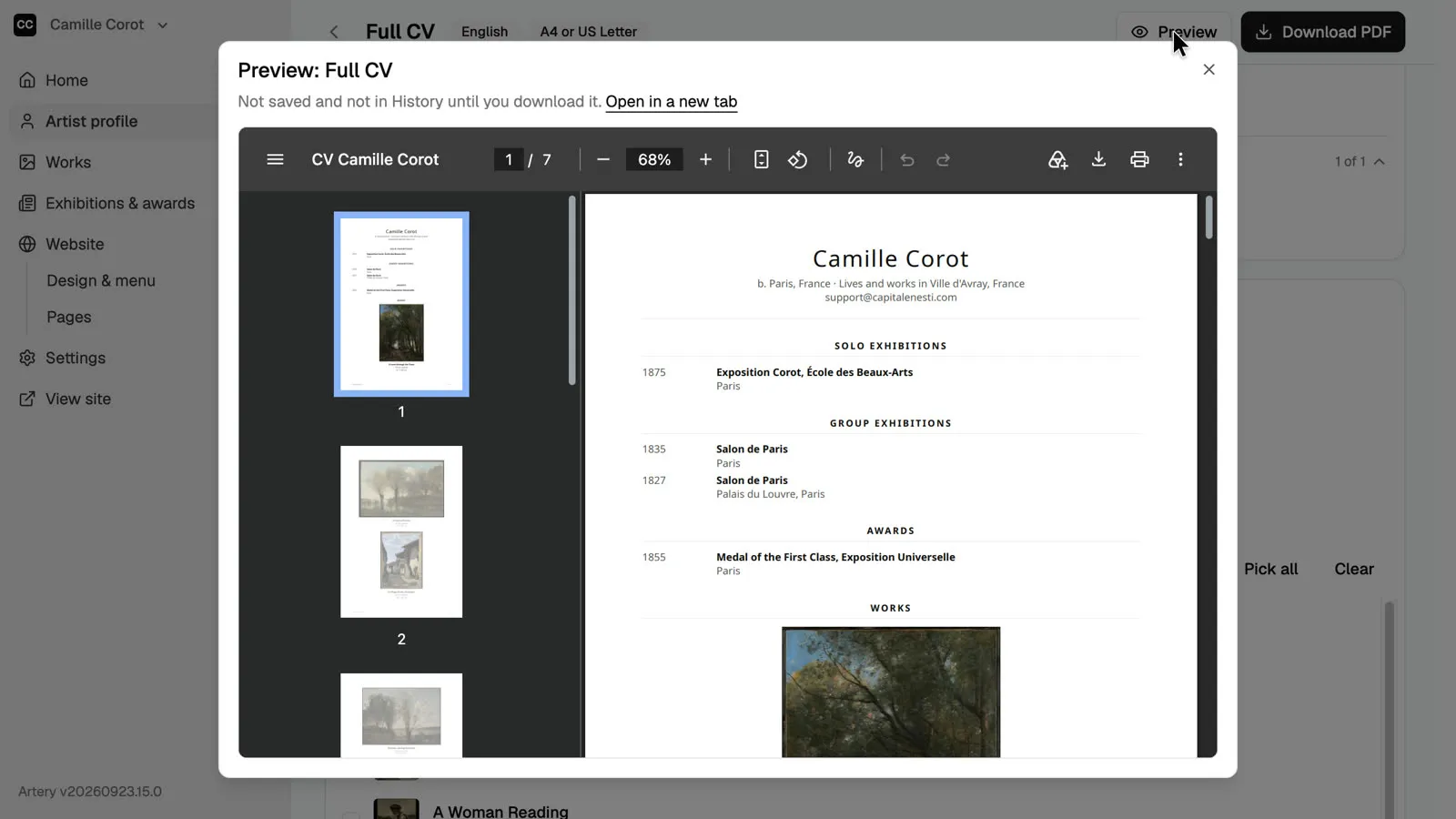
Click **Preview** to check the pages, then **Download PDF**.