Group works into a series
Put several works into a series at once: select them in Works, choose Add to series, pick the series. Or drag a single work onto a series. A work can be in more than one series.
Updated
-
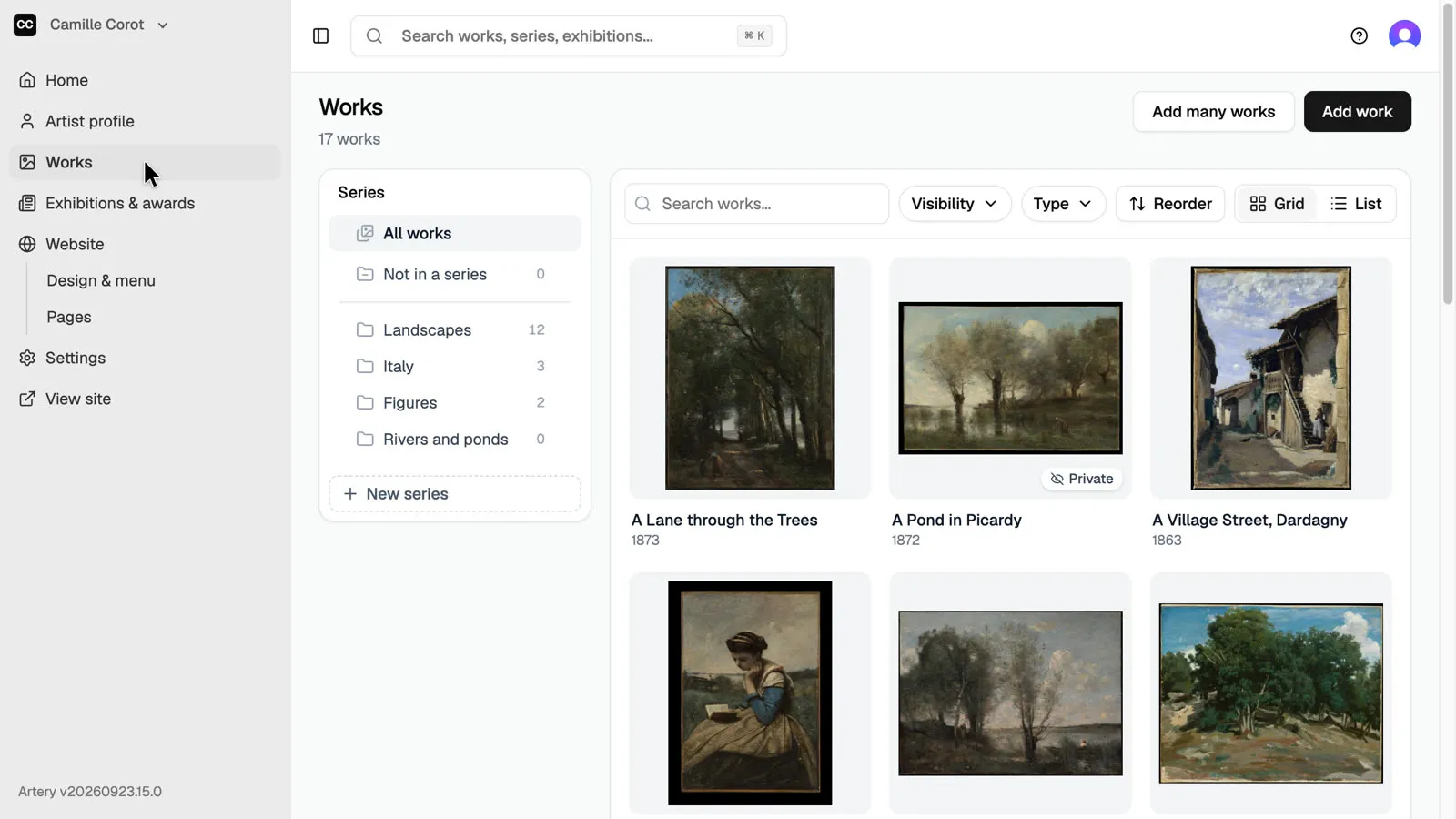
Open Works
In the sidebar, open **Works**.
-
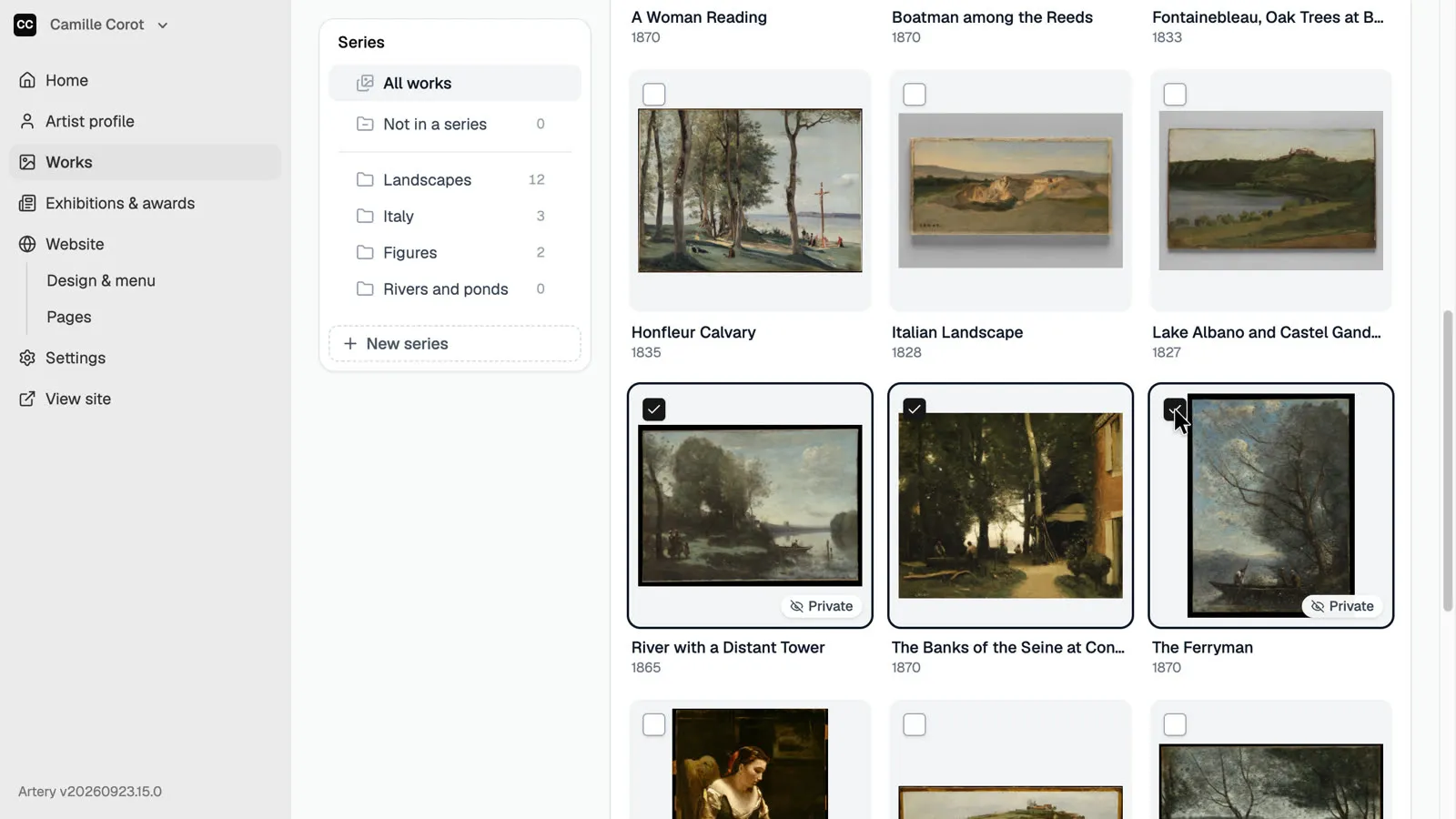
Select the works
Tick the box on each work you want to group. **Select all** picks every work in the list, for example after a search.
-
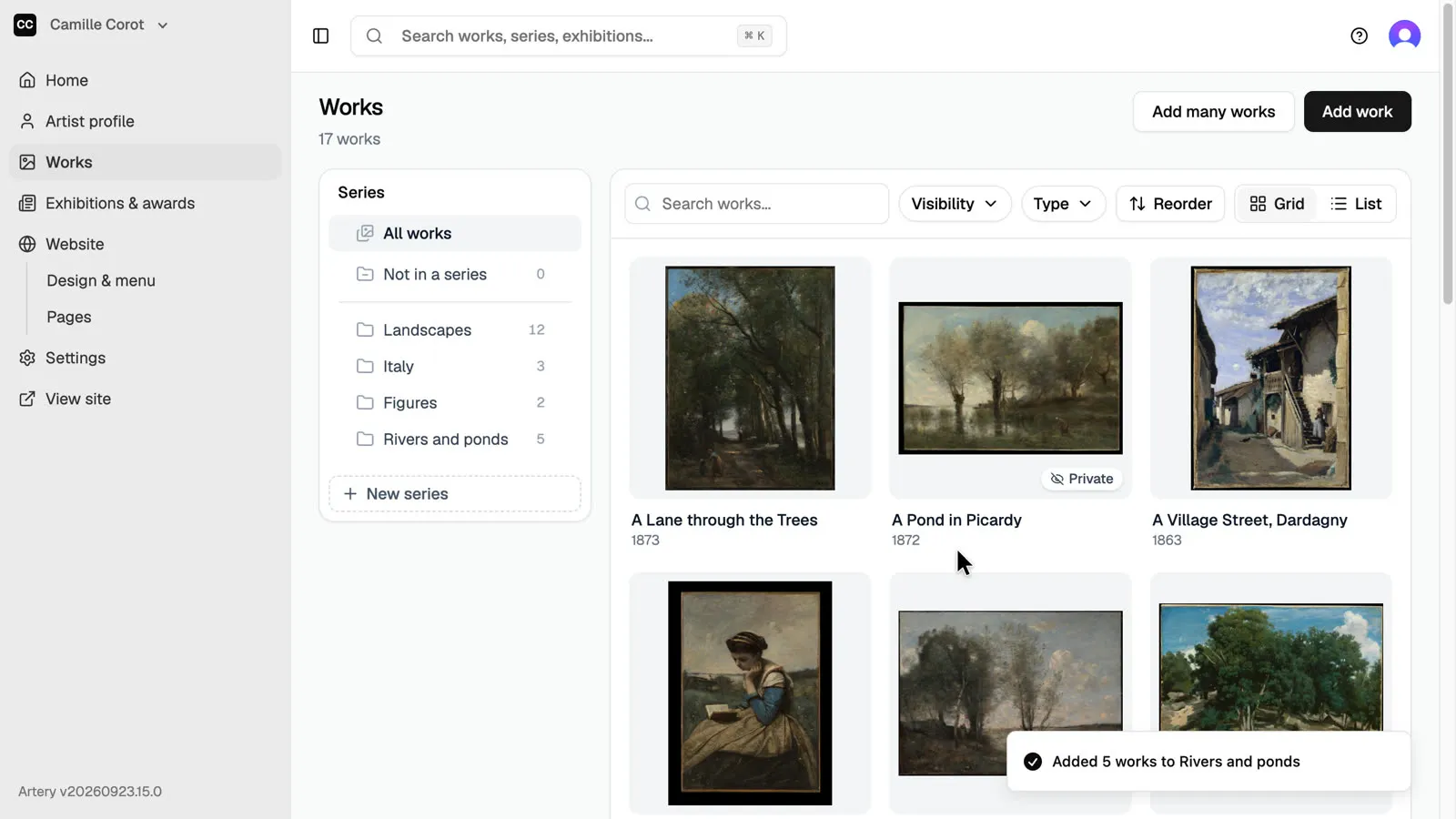
Add to series
Click **Add to series** in the bar above the works, choose the series and click **Add**. The works stay in any other series they are in.
-
Or drag one work
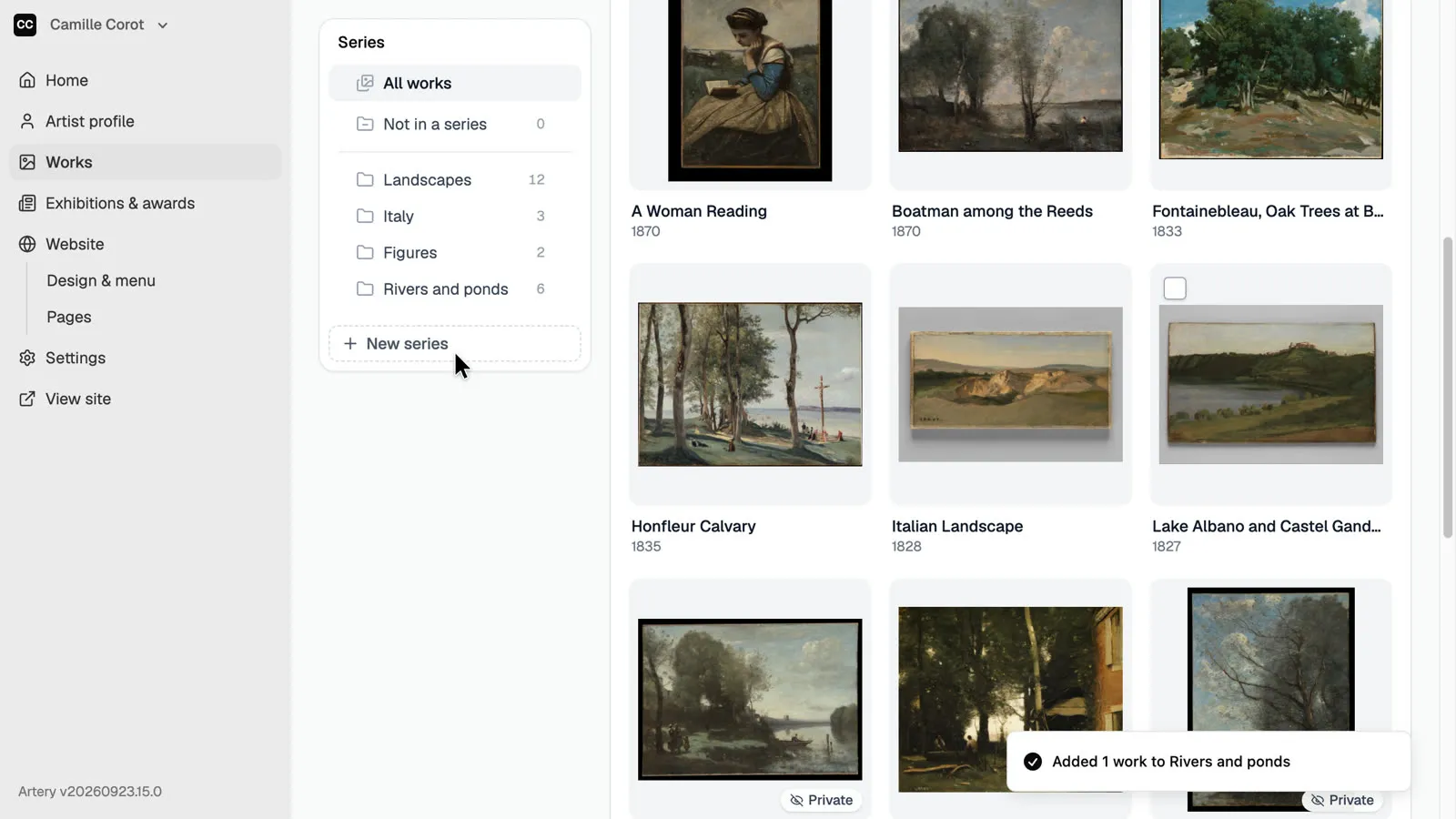
To add just one work, drag it from the list onto a series on the left.
-
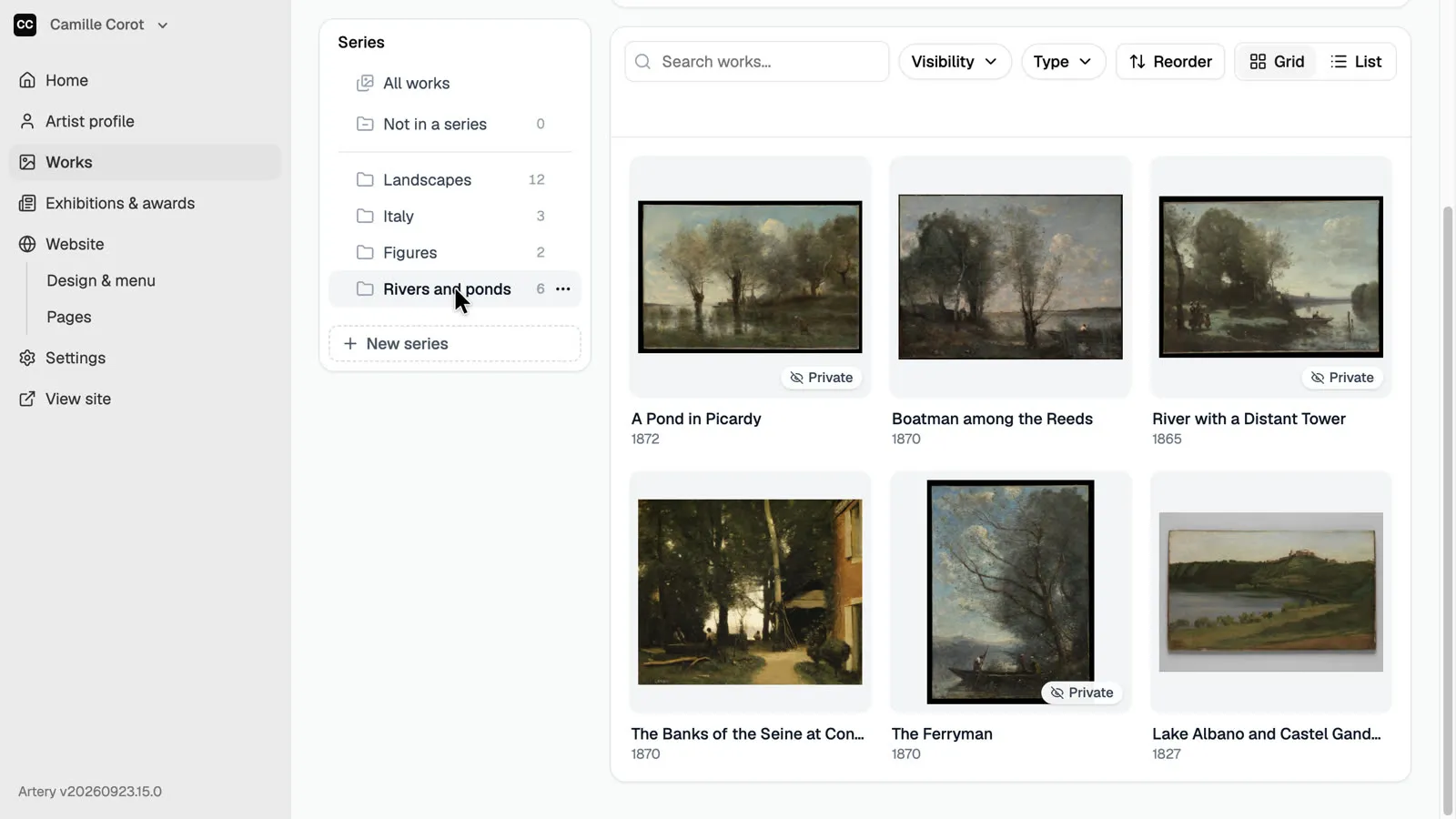
Open the series
Click the series on the left to see its works. The same works appear in that section of your site.