Reorder your site's menu
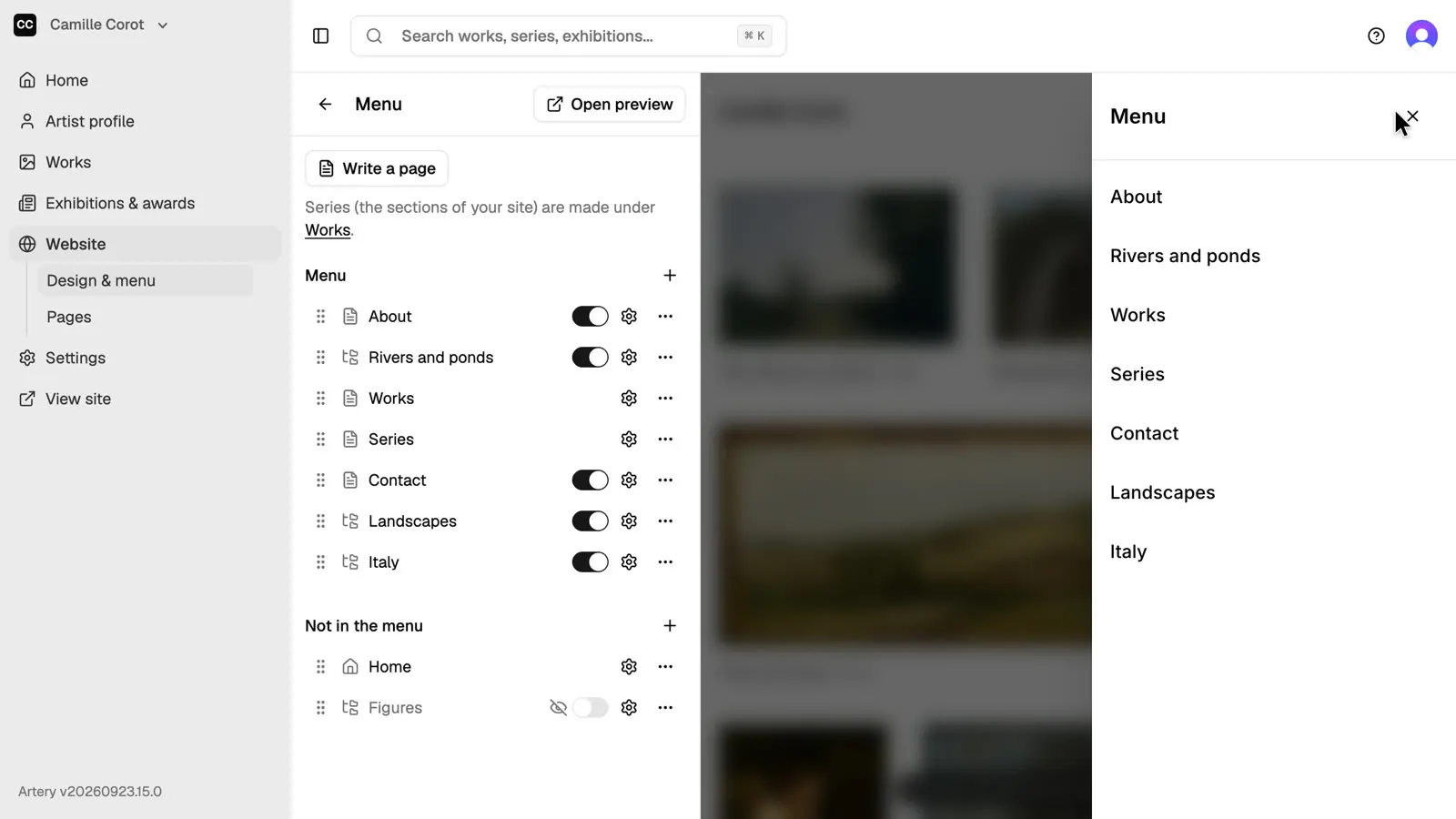
Choose what your site's menu shows and in what order: drag items up or down, and switch off the ones you want to hide. The preview updates as you go.
Updated
-
Open the menu
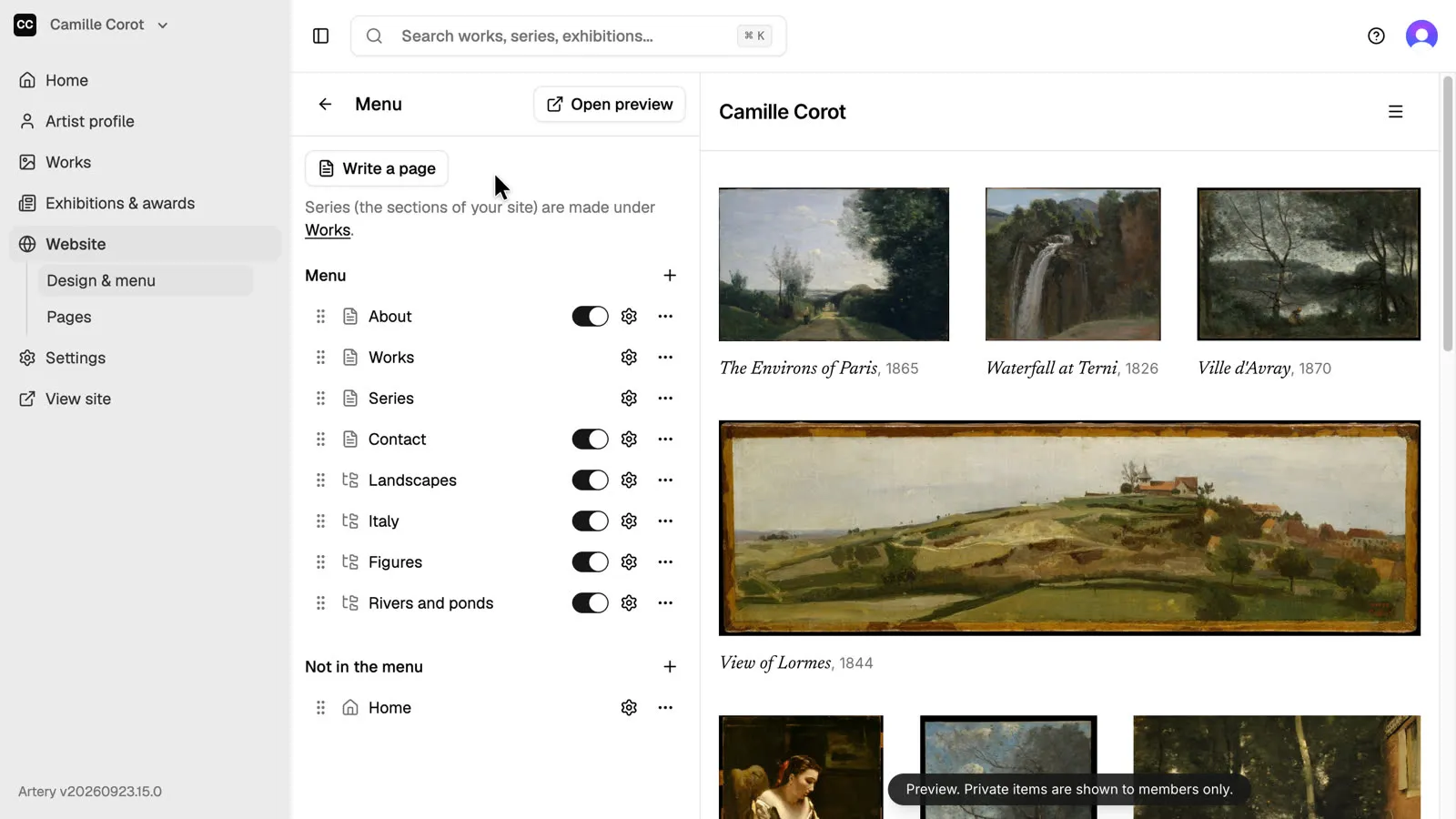
In the sidebar, open **Website**, then **Design & menu**, then **Menu**. The preview on the right is your site as visitors see it.
-
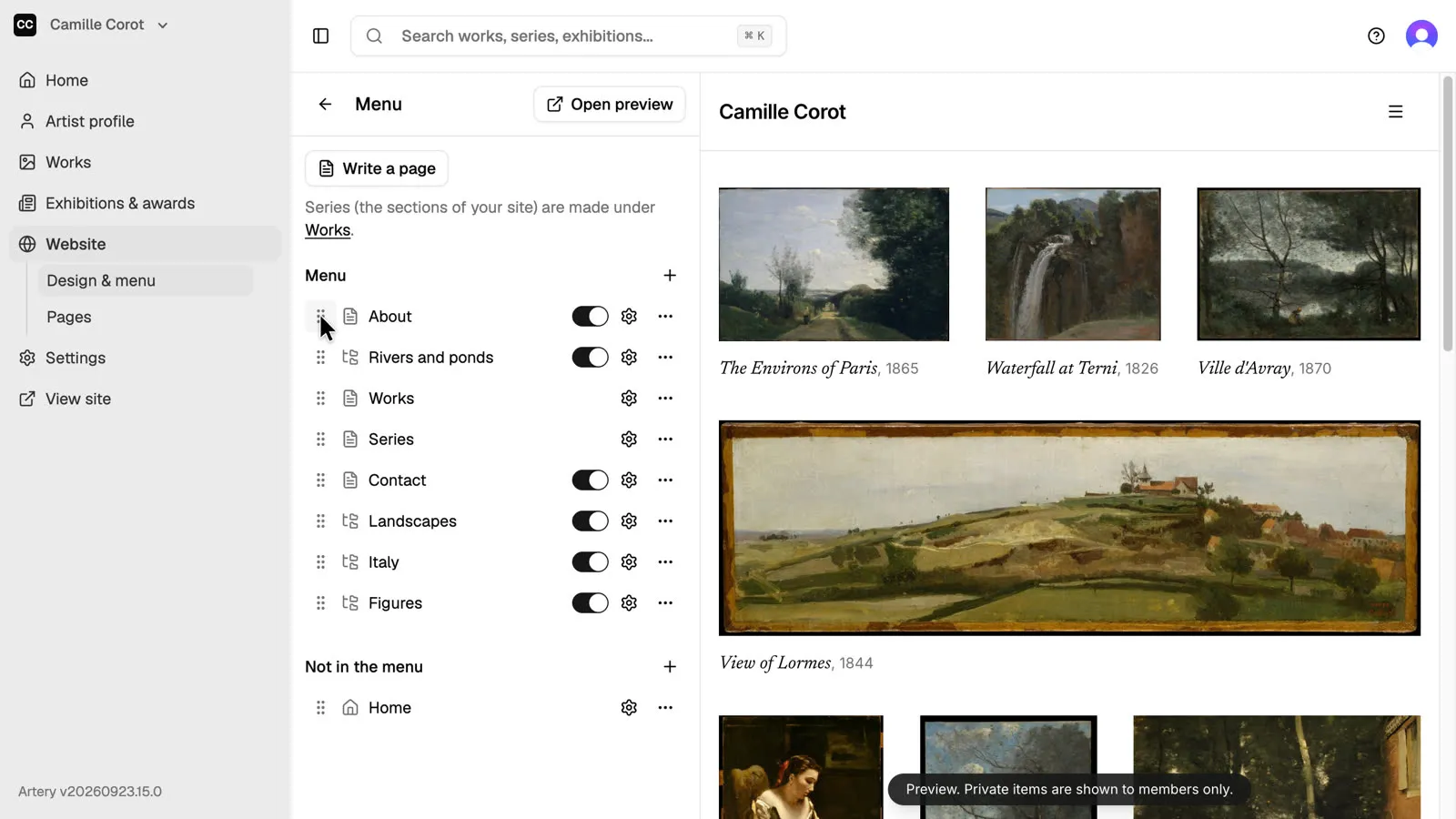
Drag to reorder
Drag an item by the handle on its left to move it up or down. Pages, series and links all sit in the same list.
-
Hide an item
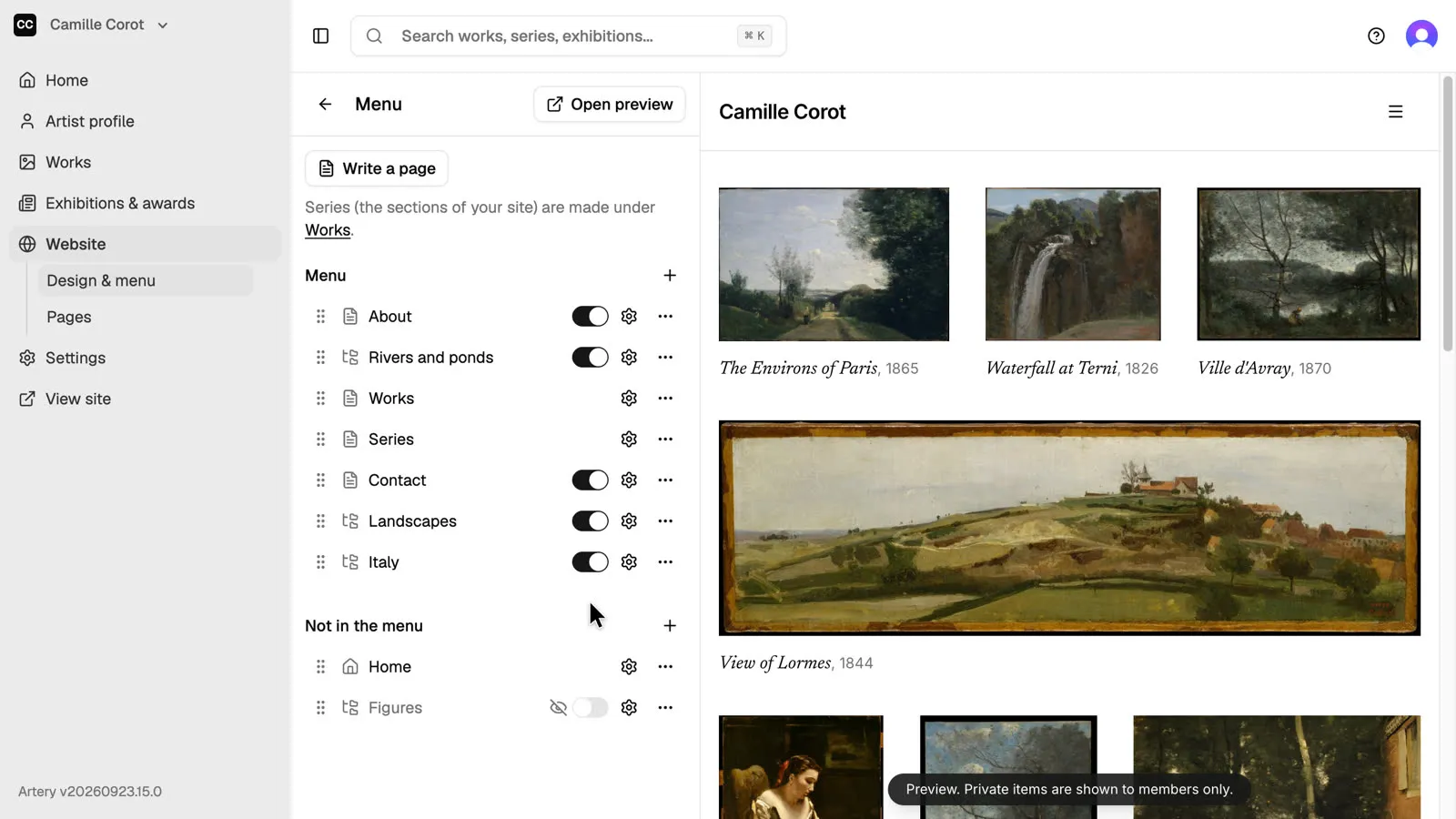
Turn off the switch next to an item to move it under **Not in the menu**. The page or series itself stays on your site. Switch it back on to return it to the menu.
-
Check the preview
Open the menu in the preview to see the order visitors get.